X (formerly Twitter)
The Autohive X integration connects your X (formerly Twitter) account to Autohive. A capability is one task an agent can do, such as creating a post. With X connected, your agents can:
- Create posts with text, media, polls, replies, and quotes
- Get posts by ID, search posts, and read user timelines
- Look up user profiles, and follow or unfollow users
- Repost, undo reposts, and bookmark posts
- Read the posts a user has liked
Install the integration
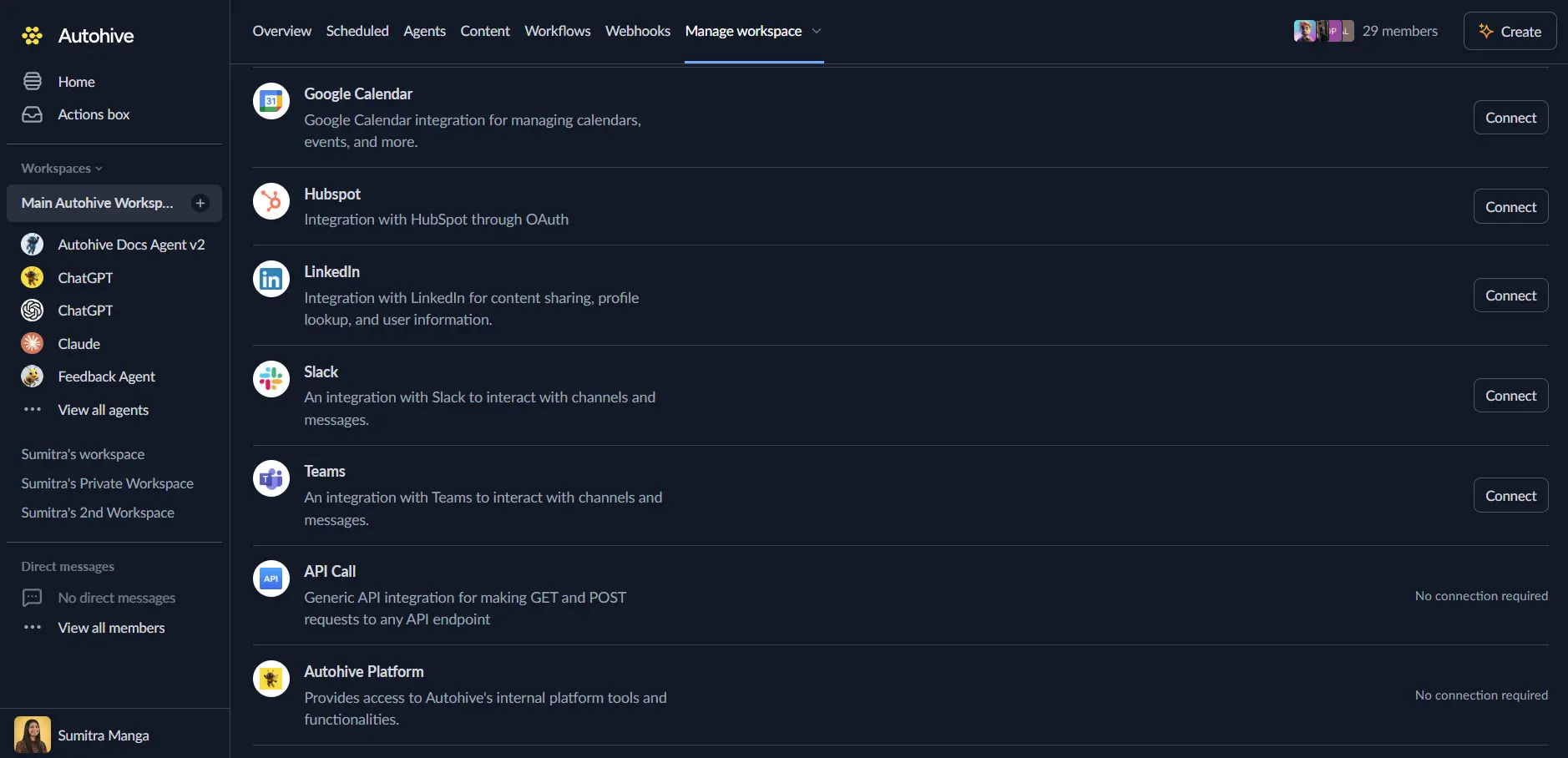
Log in to Autohive and navigate to Your user profile > Connections or Your workspace -> Integrations
Locate the X (formerly Twitter) Integration card and click Connect to workspace
Authorize with X - you’ll be redirected to X’s authorization page
Review and approve permissions. Autohive requests access to:
- Read and write posts
- Read and write follows
- Read the posts you have liked
- Upload and manage media
- Read and write bookmarks
- Access user information
- Stay connected without asking you to sign in again
Approve every permission. The integration needs them all to work as expected.
Confirm installation - you’ll be redirected to Autohive with “Connected” status displayed
Use the integration
You can now use the integration with your agents, workflows and scheduled tasks!
- Follow our Create your first agent guide on how to create an agent.
- Turn on X capabilities in Agent settings → Add capabilities. You can turn each X capability on or off.
- Once the settings have been selected, begin prompting the agent with the workflow you’d like to achieve with Autohive and X!
Available capabilities
Some capabilities need a user ID. Use Get User or Get Authenticated User to find one.
Post management
- Create Post: Publish a new post on X.
- Add text. Standard accounts allow up to 280 characters.
- Attach one image, GIF, or video.
- Reply to a post or quote a post by its ID.
- Add a poll with 2 to 4 options. A poll lasts 24 hours unless you set another length.
- Returns the new post, and the media ID if you added media.
- Get Post: Look up one post by its ID.
- Optionally include the author’s details.
- Optionally include engagement metrics.
- Delete Post: Permanently delete a post from your account.
- You cannot undo this.
- Search Posts: Find recent posts that match a query.
- Use X search operators, such as
from:or a #hashtag. - Set a start time and an end time.
- Returns 10 to 100 results per page. The default is 10.
- Each search has a cost. See Search costs below.
- Use X search operators, such as
User timeline and content
- Get User Posts: Read posts from a user’s timeline.
- Skip replies, reposts, or both.
- Returns 5 to 100 posts per page. The default is 10.
- Get Liked Posts: Read the posts a user has liked.
- Returns 5 to 100 posts per page. The default is 10.
- Get Bookmarks: Read your bookmarked posts.
- Needs your user ID.
- Returns 1 to 100 posts per page. The default is 10.
User management
- Get User: Look up a profile by user ID or username.
- Includes bio, location, and follower and following counts.
- Includes the verified status.
- Get Authenticated User: Show the profile of the connected account.
- Follow User: Follow a user on X.
- Needs your user ID and the ID of the user to follow.
- Unfollow User: Stop following a user.
- Needs your user ID and the ID of the user to unfollow.
Engagement actions
- Repost: Repost (retweet) a post to share it with your followers.
- Undo Repost: Remove a repost you made.
- Bookmark Post: Save a post to your bookmarks.
- Remove Bookmark: Remove a post from your bookmarks.
Search costs
Search Posts reports its cost through Autohive billing. The cost depends on what a search returns. These rates start on September 21, 2026.
- Each post returned costs $0.005. That is $5 per 1,000 posts.
- Each user profile returned with the results costs $0.01. That is $10 per 1,000 profiles.
Other X capabilities are not affected by these rates.
Key features
Media support
- Attach images (JPEG, PNG), GIFs, and videos (MP4) to posts.
- Autohive uploads the file for you, in small parts.
- Videos and GIFs can take a short time to process before the post goes out.
Post options
- Reply to an existing post to continue a thread.
- Quote a post to add your own comment.
- Add a poll with 2 to 4 options.
- Standard accounts have a 280-character limit.
Search and discovery
- Search recent posts with X search operators.
- Filter results by a start time and an end time.
- Move to the next page of results with a next token.
- Include author details with search results.
Engagement information
- Get public counts such as likes, reposts, and replies.
- Skip replies or reposts when you read a timeline.
- Read the posts a user has liked.
- Keep bookmarks for later.
Timelines
- Read up to 100 posts per request.
- Move through older posts with a pagination token. This is a marker for the next page.
- Read public timelines and your own account data.
Sign-in and permissions
- You sign in through X. Autohive never sees your password.
- Autohive asks only for the permissions listed in the install steps.
- Autohive renews your sign-in automatically.
Common use cases
Social media automation
- Schedule and automatically post content to X at optimal times
- Cross-post content from blogs, newsletters, or other platforms to X
- Create recurring posts for promotions, announcements, or updates
- Automate post deletion after time-sensitive content expires
Content curation and sharing
- Search for trending topics and automatically repost relevant content
- Monitor specific keywords and bookmark interesting posts for review
- Share content from RSS feeds or news sources with automated posting
- Quote posts with AI-generated commentary for thought leadership
Engagement and community management
- Automatically follow users who mention your brand or specific keywords
- Track and respond to mentions, replies, and direct engagement
- Monitor liked posts to identify brand advocates and engaged users
- Bookmark customer feedback posts for product development insights
Analytics and monitoring
- Track post performance with engagement metrics
- Search for brand mentions and competitor activity across X
- Monitor hashtag usage and trending topics in your industry
- Aggregate user timeline data for content analysis and insights
Campaign and event management
- Create polls to gather audience feedback and opinions
- Post event updates with media attachments and relevant hashtags
- Thread replies for live-tweeting events or product launches
- Quote posts from attendees or participants to amplify event reach
Multi-account management
- Manage posts across multiple X accounts for brands or clients
- Coordinate social media campaigns with synchronized posting
- Monitor multiple user timelines for competitive intelligence
- Automate engagement actions across team or organizational accounts
Disconnect the integration
Important: Disconnecting stops data synchronization but preserves existing data in both systems.
- Navigate to Your user profile -> Connections or Your workspace -> Integrations
- Find the X (formerly Twitter) Integration
- Click Disconnect and confirm
Data Impact: Existing data remains unchanged in both systems, but sync stops and Autohive loses X API access.
Uninstall the app
From X: Go to your X Settings > Security and account access > Connected apps > Find Autohive and revoke access.