Windcave
The Autohive Windcave integration connects you to the Windcave REST API. Windcave is a payment gateway. Businesses use it across New Zealand, Australia, and the Pacific. This integration lets you do the following:
- Look up a transaction. Get a payment transaction by its ID. See if it was paid, its settlement date, and any surcharge.
- Look up a payment session. Get a payment session by its ID, plus every attempt made in it.
All actions are read-only. Windcave always hides card details before they reach your workflow or chat.
Install the integration
Log in to Autohive and go to Your user profile > Connections, or Your workspace -> Integrations.
Find the Windcave Integration card and click Connect to workspace.
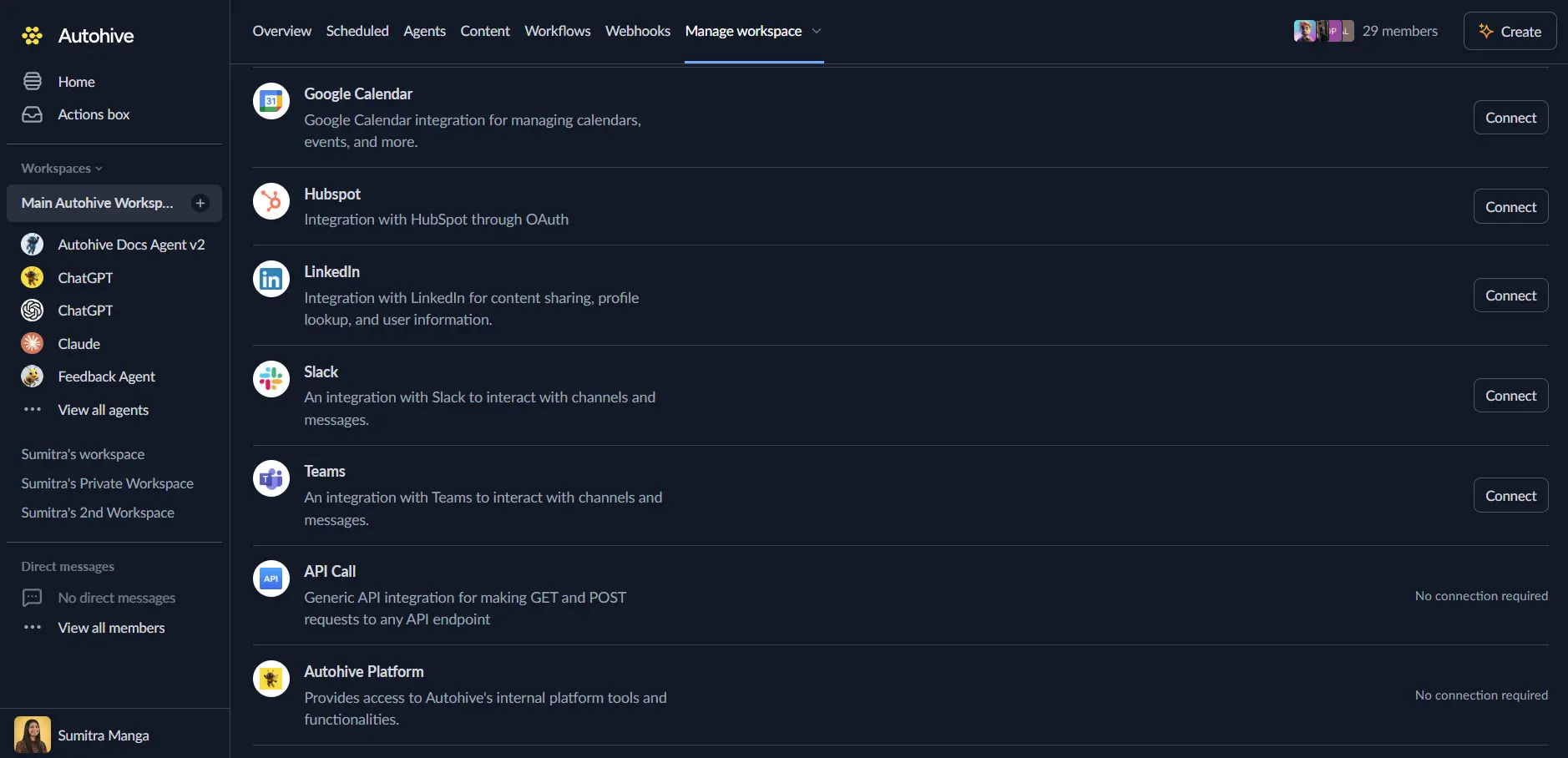
Authenticate. This integration uses Windcave REST API credentials:
- Ask Windcave, or your onboarding contact, for REST API credentials.
- Enter your username and API key when you connect.
Confirm installation. You will see “Connected” status displayed.
Use the integration
Turn on Windcave capabilities in Agent settings → Add capabilities.
- Follow our Create your first agent guide to build an agent.
- Turn on the capabilities you want your agent to use.
- Start prompting your agent with the task you want to do with Windcave.
Available capabilities
Transaction Lookup
- Get Transaction: Get a transaction by its ID. Returns whether it was paid, its settlement date (if paid), any surcharge, and the full record. Card details are hidden.
Payment Session Lookup
- Get Payment Session: Get a payment session by its ID. Returns its state, amount, currency, reference, expiry, and every attempt made in it. Card details are hidden throughout.
Key features
Card Data Is Always Hidden
The integration replaces every value in a card object with [REDACTED]. It hides card fields like number, cardholder name, expiry, and CVC. This happens on every successful response, before it reaches you. The object and its keys stay in place. Your workflow can still tell that card data existed, without ever seeing it.
Reconciliation-Ready Fields
Get Transaction returns the fields most accounting checks need. These are settlement date, surcharge amount, and reference. You do not need to dig through the raw record.
Read-Only by Design
This integration cannot start, capture, refund, or cancel a payment. It cannot make a new payment session. It can only look up items that already exist in your Windcave account.
One Request per Lookup
Each lookup sends one request to Windcave. Each request has a 30-second timeout and no automatic retry. If a request times out or fails, your workflow should decide whether to try again.
Common use cases
Payment Reconciliation
- Check a transaction’s settlement date and surcharge against your accounting records.
- Confirm a transaction was paid before you mark an order as complete.
- Pull the merchant reference from a transaction to match it to an order.
Payment Support and Troubleshooting
- Look up a payment session to see every attempt a customer made, including failed ones.
- Check a session’s current state, such as whether it has expired.
Safe Reporting
- Build payment reports and dashboards without ever showing card numbers or cardholder details.
Notes
- Card data is always hidden. See Key features above.
- Read-only: this integration cannot start, capture, refund, or cancel payments.
- Production only: this integration works only with Windcave production credentials, not test (UAT) credentials.
- BillingId is not available: this integration uses Windcave’s REST API.
BillingIdbelongs to an older Windcave system that this integration does not support. - No automatic retries. See Key features above.
Disconnect the integration
Important: Disconnecting removes access to Windcave from your Autohive workspace.
- Go to Your user profile -> Connections, or Your workspace -> Integrations.
- Find the Windcave Integration.
- Click Disconnect and confirm.
Data Impact: Disconnecting stops API access using your stored credentials. It does not change any data in your Windcave account.
About Windcave
Windcave is a payment gateway. Merchants use it across New Zealand, Australia, and the Pacific. They use it for card payments, both online and in person.