OpenAI Image
The Autohive OpenAI Image integration enables AI-powered image creation and editing using OpenAI’s GPT-Image-1.5 model. This built-in tool provides:
- Text-to-image generation - Create images from natural language descriptions
- Image editing - Modify existing images with text-based instructions while preserving the parts you want unchanged
- Multi-image input - Provide multiple reference images for compositing and style guidance
- Production-quality output - Generate high-fidelity, photorealistic visuals suited for professional use
- Fast generation - Optimized for quick turnaround
Overview
Unlike traditional integrations that require OAuth setup, OpenAI Image is a built-in tool that’s ready to use immediately. It leverages OpenAI’s GPT-Image-1.5 model, which is built for production-quality visuals and controllable creative workflows, with strong instruction-following and image preservation during edits. The integration is already set up, so no authentication is required.
Key capabilities:
- Generate images from text descriptions
- Edit existing images using natural language instructions
- Provide multiple input images for compositing or style reference
Enable the tool
OpenAI Image is a built-in capability available to all Autohive agents. It is ready to be added to agents and workflows:
Navigate to your agent in Autohive
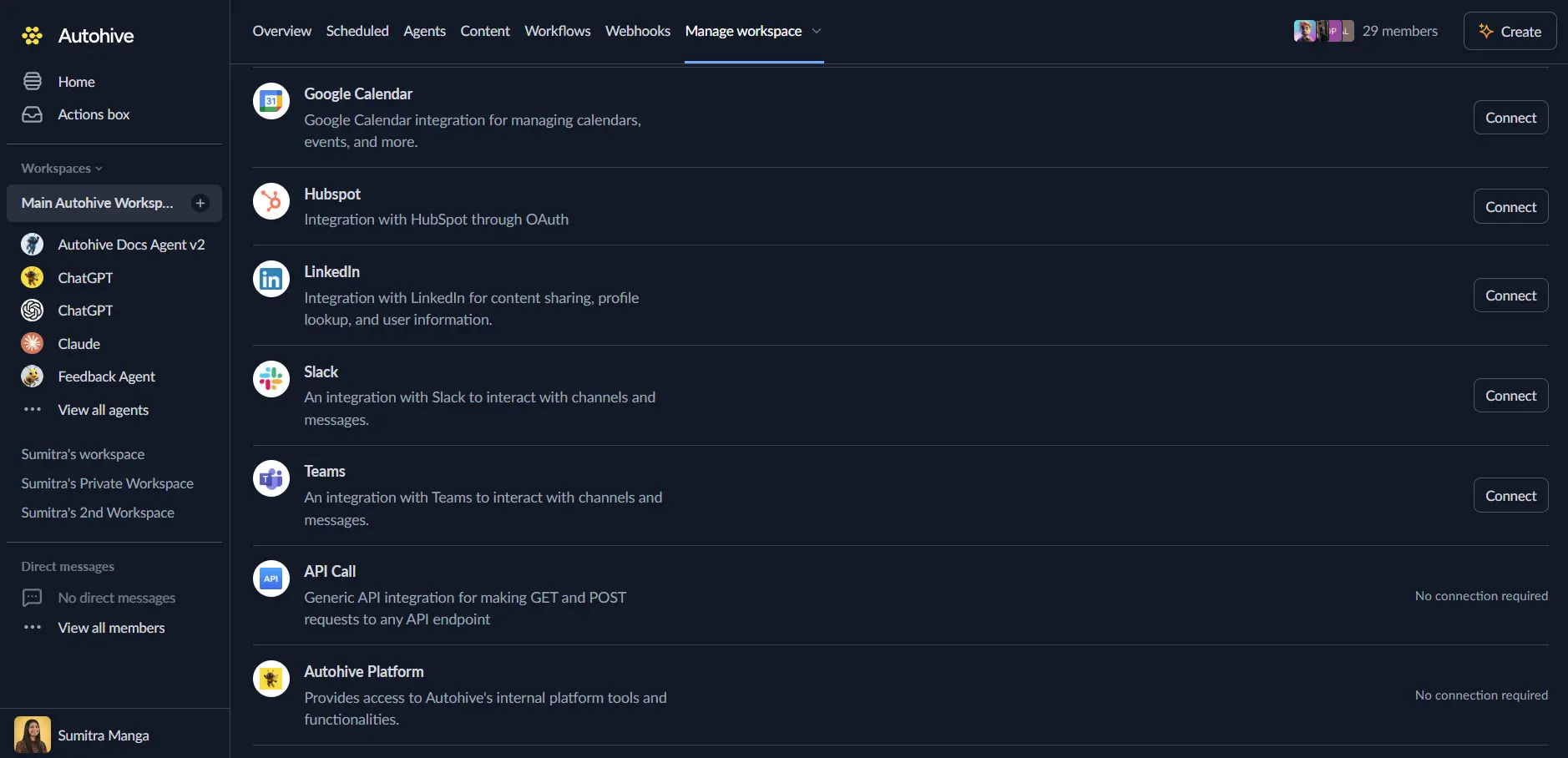
Open Agent Settings and scroll to Add Integrations and Agents
Enable “OpenAI Image” from the Built-in Tools section
Save your agent configuration
That’s it! No OAuth connection or API key setup required.
Use the tool
Once enabled, your agent can automatically invoke OpenAI Image when image creation or editing is needed. You can also explicitly request it:
Text-to-Image Generation
Describe the image you want to create:
Prompt: "Generate a photorealistic image of a minimalist workspace with a laptop, coffee cup, and plant, soft morning light"
The agent invokes OpenAI Image with your prompt and returns the generated image.
Image Editing
Upload an image and describe the changes:
Prompt: "Edit this product photo to place it on a plain white background and increase the brightness"
The agent uses the uploaded image as input and applies the requested modifications while preserving the rest of the image.
Multi-Image Compositing
Provide multiple reference images with your instructions:
Prompt: "Combine these two logo variations into a single banner, keeping both logos legible"
Use cases
Marketing & design
- Generate product mockups, promotional graphics, and social media visuals
- Create brand-consistent variations of existing marketing assets
- Produce concept art and design exploration quickly
Content creation
- Generate featured images for articles and blog posts
- Create custom thumbnails and illustrations for videos and presentations
- Produce infographics and supporting visuals from a text description
E-commerce
- Generate product lifestyle images and catalog variants from a single source image
- Preserve product logos and key visuals accurately across edits
- Produce seasonal or campaign-specific promotional graphics
Tips for better results
Be specific and descriptive:
  Good: "A professional product photo of a matte black coffee mug on a marble countertop, soft natural light, shallow depth of field"
Poor: "A mug"
Structure your prompt with a clear goal: describe the background/scene, then the subject, then key details and constraints, and mention the intended use (ad, mockup, infographic) to guide the level of polish.
For editing tasks, reference specific elements in the image and describe the desired change explicitly rather than giving open-ended instructions.
Frequently asked questions
Q: Is OpenAI Image included in my plan?
- Yes, it’s a built-in tool available to all Autohive users. Usage is billed based on token consumption.
Q: How long does image generation take?
- Most images generate within seconds to tens of seconds, depending on complexity and current load.
Q: Can I edit an image that wasn’t generated by this tool?
- Yes — any uploaded image can be used as input for editing, not just images previously generated by OpenAI Image.
Q: Is there a limit to how many images I can generate?
- No fixed limit, but usage counts toward your workspace’s token consumption and billing.
Related features
- Agent Capabilities - Overview of all available tools
- Content area - Store and manage generated images
- Getting Started - Getting started guide