New Zealand Legislation
The Autohive New Zealand Legislation integration connects you to the New Zealand Legislation Data API. The Parliamentary Counsel Office (PCO) runs this API. It gives read-only access to the official register of New Zealand law. It lets you do the following:
- Search legislation. Search Acts, Bills, and other laws by title or content.
- Check version history. List every update made to one piece of legislation.
- Get version details. Get the file links (HTML, PDF, XML) for one update.
- Look up a provision. Get one exact section of a law by its number.
- Search provision text. Search the official text of one update for a word or phrase.
All actions are read-only.
Install the integration
Log in to Autohive and go to Your user profile > Connections, or Your workspace -> Integrations.
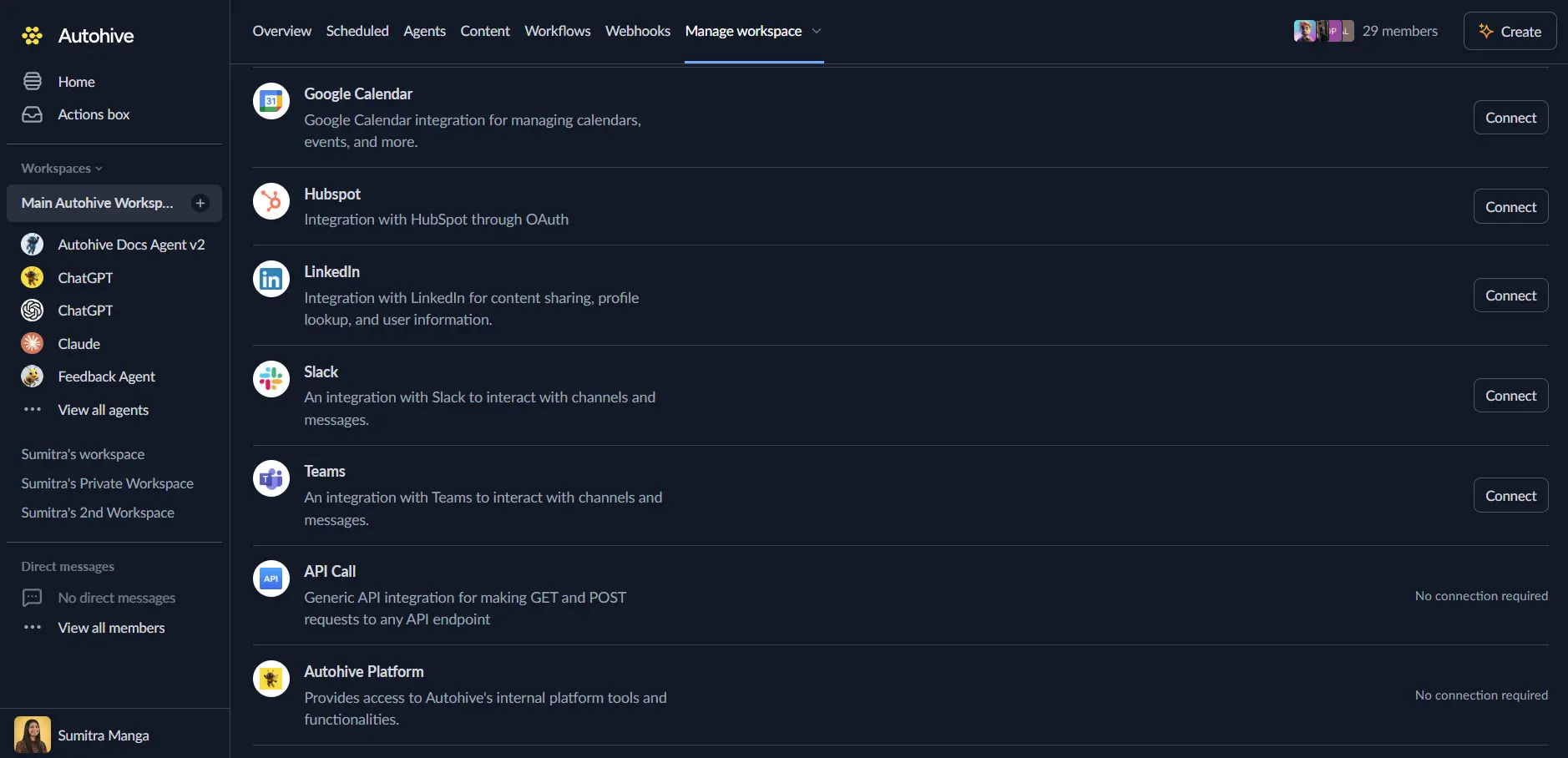
Find the New Zealand Legislation Integration card and click Connect to workspace.
Authenticate. This integration uses a New Zealand Legislation API key:
- Request a key by emailing contact@pco.govt.nz.
- Enter the key in the API key field when you connect.
Confirm installation. You will see “Connected” status displayed.
Use the integration
Turn on New Zealand Legislation capabilities in Agent settings → Add capabilities.
- Follow our Create your first agent guide to build an agent.
- Turn on the capabilities you want your agent to use.
- Start prompting your agent with the task you want to do with New Zealand Legislation.
Available capabilities
Legislation Search
- Search Legislation: Search Acts, Bills, and other laws by title or full text. Filter by type, status, and the agency in charge. Each result links to its newest matching update.
Version History
- List Legislation Versions: List every update made to one piece of legislation. Each update shows its status and file types (HTML, PDF, XML, or a scanned copy).
Version Details
- Get Legislation Version: Get the full details for one update. This includes its status, type, and links to every file format.
Provision Lookup and Search
- Get Legislation Provision: Get one or more exact sections of a law by section number, like “35”. A number can repeat in a document, so this action returns every exact match.
- Search Legislation XML: Search the official text of one update for a word or phrase. Matching sections come back in document order.
Key features
A Three-Part Data Model
New Zealand legislation data has three parts. A work is a law, such as an Act or Bill. A version is one update to that law. A format is a file type, such as HTML, PDF, or XML, for that update. Every action follows this model. Results always show which update and file type they come from.
Content Search Can Return Older Text
A content search can match an older update, not the newest one. Each result includes an is_latest_version flag. Your agent can use this flag to spot current law versus old text.
Official Text, Not a Summary
Provision lookup and text search both read the official government file for one update. This is not a summary. It is not a copy from another site. The wording matches what is published on the New Zealand Legislation website.
Daily and Short-Term Limits
Your API key allows 10,000 requests per day by default. This limit resets at midnight New Zealand time. There is also a shared limit of 2,000 requests every five minutes per network address. Each action returns a count of requests left, so your agent can track usage.
No Automatic Retries
This integration does not retry a failed request for you. It does not wait out a limit for you. If a request hits a limit, the action returns an error. Your workflow should decide when to try again.
Common use cases
Legal and Compliance Research
- Search for an Act or rule by name before a compliance review.
- Check whether a law is currently in force or has been repealed.
- Get the exact wording of a section for a legal brief.
Legislative Change Tracking
- List every update to an Act to see how it has changed over time.
- Compare the wording of a section across two updates.
- Check whether a Bill has become an Act, and when it took effect.
Content and Knowledge Base Building
- Pull the current wording of key sections into an internal knowledge base.
- Search for how a term, such as “unreasonable search”, is used across NZ law.
- Quote the New Zealand Legislation website’s own text, instead of a paraphrase.
Notes
- Read-only: this integration cannot create, edit, or submit anything to the New Zealand Legislation Data API.
- The API is in beta (version 0): field names and behaviour may change before the provider’s full release.
- Not legal advice: the API shows published law. Autohive and the provider are not responsible for how you use the data.
- Some records have fewer formats: some agency-published rules only offer HTML or PDF, with no XML file.
- Some IDs are temporary: any work or version ID with a
~character may change later. - Daily and short-term limits apply. See Key features above.
Disconnect the integration
Important: Disconnecting removes access to the New Zealand Legislation Data API from your Autohive workspace.
- Go to Your user profile -> Connections, or Your workspace -> Integrations.
- Find the New Zealand Legislation Integration.
- Click Disconnect and confirm.
Data Impact: Disconnecting stops API access using your stored key. It does not change any data held by the New Zealand Legislation service.
About the New Zealand Legislation Data API
The Parliamentary Counsel Office (PCO) runs the New Zealand Legislation Data API. The PCO is the government agency that drafts and publishes official New Zealand law. The API gives the same official text published on the New Zealand Legislation website. This includes Acts, Bills, and other rules such as regulations and orders.