Missive
The Autohive Missive integration connects your Missive team inbox with Autohive’s automation platform, enabling:
- Conversation management - List, retrieve, update, and merge conversations across your shared mailboxes
- Message handling - List and retrieve messages, and create incoming custom-channel messages
- Drafts and posts - Create or send drafts, and inject posts into conversations to manage their state
- Contact management - List, retrieve, create, and update contacts and contact books
- Analytics - Generate and retrieve analytics reports for teams, users, and organizations
- Organization discovery - Look up organizations, users, teams, and shared labels
Missive unifies email, SMS, WhatsApp, and live chat into shared conversations — this integration covers conversations, messages, drafts, posts, contacts, and analytics.
Install the integration
Missive uses an API token for authentication.
Open Missive and go to Preferences → API
Click Create a new token
Copy the token (format:
missive_pat-...)Log in to Autohive and navigate to Your user profile > Integrations
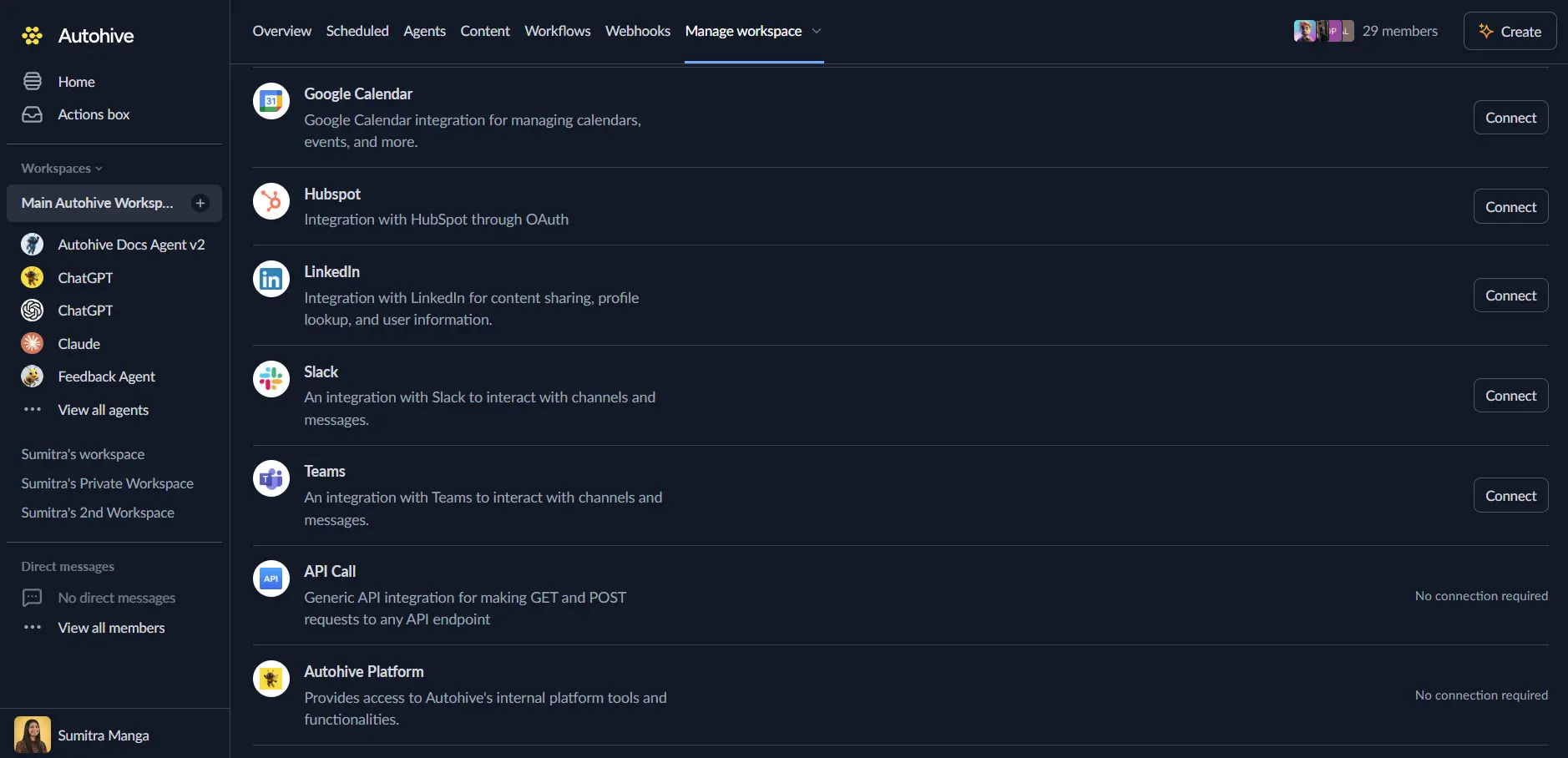
Locate the Missive Integration card and click Connect
Paste your API Token
Confirm installation
Use the integration
You can now use the integration with your agents, workflows, and scheduled tasks!
- Follow our Create your first agent guide on how to create an agent.
- In the Agent settings, scroll down to the Add integrations and agents section and add the Missive integration. You can choose which individual Missive actions to turn on and off.
- Once the settings have been selected, begin prompting the agent with the workflow you’d like to achieve with Autohive and Missive!
Available capabilities
Conversations
- List Conversations - List and find conversations by mailbox, optionally narrowed by contact email, domain, or organization
- Get Conversation - Retrieve a specific conversation
- Update Conversation - Update conversation state — close/reopen, assign, label, or snooze
- Merge Conversations - Merge two conversations into one
Messages & content
- List Conversation Messages - List messages in a conversation
- List Conversation Comments - List comments in a conversation
- List Conversation Posts - List posts in a conversation
- List Conversation Drafts - List drafts in a conversation
- List Messages - Look up a message by its email Message-ID (exact match, not a search)
- Get Message - Retrieve a specific message
- Create Message - Create an incoming custom-channel message
Drafts & posts
- Create Draft - Create or send a draft
- Delete Draft - Delete a draft
- Create Post - Inject a post into a conversation and manage its state (e.g. notify, close)
Contacts
- List Contacts - List contacts with optional search
- Get Contact - Retrieve a specific contact
- Create Contact - Create one or more contacts
- Update Contact - Update a contact’s details
- List Contact Books - List contact books
- List Contact Groups - List groups within a contact book
Analytics
- Create Analytics Report - Generate an analytics report (asynchronous)
- Get Analytics Report - Retrieve a completed analytics report
Organization discovery
- List Organizations - Discover organization IDs the token can access
- List Users - Discover user IDs within an organization, for assignment
- List Teams - Discover team IDs within an organization
- List Shared Labels - Discover shared label IDs within an organization
Key features
Unified inbox coverage
Manage conversations spanning email, SMS, WhatsApp, and live chat through a single set of capabilities, without needing separate integrations per channel.
Conversation state automation
Close, reopen, assign, label, or snooze conversations programmatically, and inject posts to leave internal notes or trigger notifications as part of a workflow.
Custom channel messages
Create incoming messages on a custom channel, letting other systems feed content into Missive conversations as if they arrived from an external channel.
Asynchronous analytics
Analytics reports are generated asynchronously — call Create Analytics Report to start generation, then Get Analytics Report once it’s ready.
Common use cases
Shared inbox triage automation
- Automatically assign or label incoming conversations based on their content
- Close resolved conversations and reopen ones that receive new activity
- Merge duplicate conversations from the same contact
Cross-system message ingestion
- Use Create Message to feed messages from other systems (e.g. a support tool or webhook) into a Missive conversation as a custom-channel message
- Use Create Post to leave automated internal notes or status updates on a conversation
Contact and organization sync
- Keep Missive contacts current by creating or updating them from your CRM or other systems
- Look up teams, users, and shared labels to route conversations correctly
Reporting and analytics
- Generate periodic analytics reports for teams or users to track response times and volume
- Feed report data into other systems or dashboards once available
Disconnect the integration
- Navigate to Your user profile → Connections or Your workspace → Manage workspace
- Find the Missive Integration
- Click Disconnect and confirm
Data Impact: Existing data in your Missive account remains completely unchanged. Disconnecting only removes Autohive’s API access.
Notes
- Rate limits: 300 requests per minute, with a maximum of 5 concurrent requests.
- Operator role required:
Update ConversationandUpdate Contactrequire the API token owner to be an Operator (not just Member) of the Missive organization. If these return an “Invalid resource ID(s)” error, promote the token owner under Settings → Organization → Members. - Full replacement fields:
Update Contact’sinfosarray is a full replacement, not a merge — always include the completeinfosarray when updating a contact to avoid overwriting existing data. - Analytics plan restriction: Filtering analytics reports by
team_idsoruser_idsrequires a Business plan; without it, requests may return a 403 error.