Jotform
The Autohive Jotform integration connects your Jotform account with Autohive’s automation platform, enabling:
- Form discovery - List all forms in your Jotform account
- Form creation - Build new forms from scratch for surveys, sign-ups, and data collection
- Form editing - Modify an existing form’s structure, fields, and settings
- Submission creation - Add a new submission to an existing form
- Submission retrieval - Get and filter submissions for a form
Install the integration
Jotform uses a one-time OAuth approval to connect your account.
Log in to Autohive and navigate to Your user profile > Connections or Your workspace -> Manage workspace
Locate the Jotform Integration card and click Connect
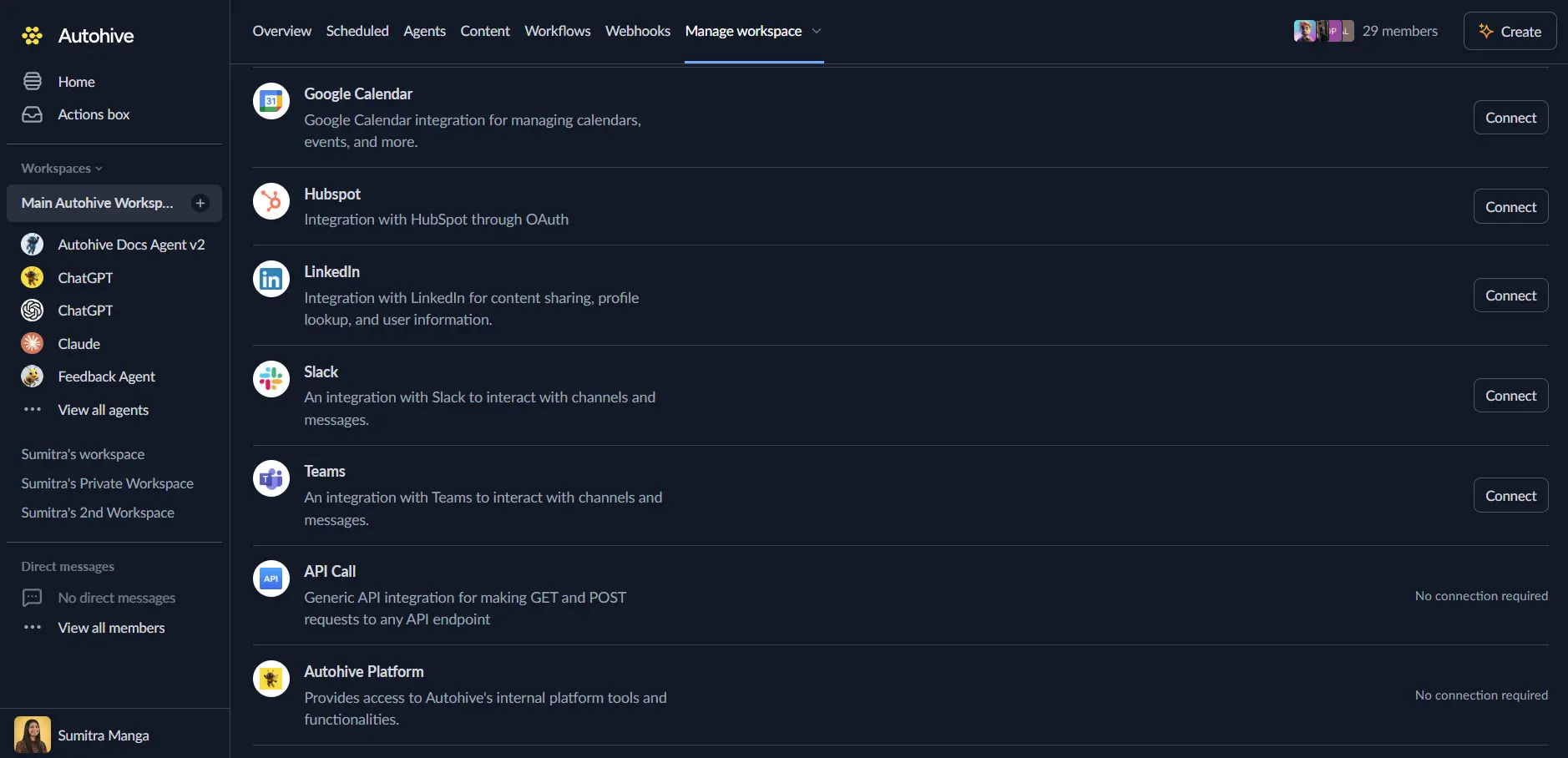
Authorize with Jotform - you’ll be redirected to Jotform’s OAuth consent screen
Review and approve permissions so Autohive can list, create, and edit your forms and submissions
Confirm installation - you’ll be redirected to Autohive with “Connected” status displayed
Use the integration
You can now use the integration with your agents, workflows and scheduled tasks!
- Follow our Create your first agent guide on how to create an agent.
- In the ‘Agent settings’, scroll down to the ‘Add capabilities’ section and turn on the Jotform capability. You can choose what individual Jotform capabilities to turn on and off.
- Once the settings have been selected, begin prompting the agent of the workflow you’d like to achieve with Autohive and Jotform!
Available capabilities
Forms
- Form List: Get the list of your forms
- Create Form: Build a new form from scratch for surveys, sign-ups, or other data collection workflows
- Edit Form: Modify an existing form’s fields, text, logic, or configuration
Submissions
- Create Submission: Make a submission to an existing form - useful for testing forms, importing data, or generating sample data for QA
- Get Submissions: Retrieve and filter form responses for analysis, export, or downstream data pipelines
Key features
Conversational form management
Build, edit, and inspect forms using natural language instead of the Jotform dashboard - useful for quickly prototyping new data collection workflows.
Submission workflows
Create test submissions to validate form logic, or pull existing submissions for analysis and reporting without leaving your agent workflow.
Common use cases
Rapid form prototyping
- Ask an agent to draft a new sign-up, survey, or registration form based on a short description
- Iterate on field structure and logic conversationally before publishing
Data collection and QA
- Generate sample submissions to test form logic and validation rules
- Pull submissions on a schedule to feed into reporting or CRM update workflows
Form maintenance
- List all forms to audit what exists across your Jotform account
- Update field text, logic, or configuration on existing forms without manually opening the builder
Disconnect the integration
- Navigate to Your user profile -> Connections or Your workspace -> Manage workspace
- Find the Jotform Integration
- Click Disconnect and confirm
Data Impact: Existing forms and submissions remain unchanged in Jotform. Disconnecting only removes Autohive’s API access; you can also revoke access directly from Jotform’s My Account > Connected Apps > Jotform MCP page.