JobAdder
The Autohive JobAdder integration connects your JobAdder recruitment account to Autohive. It covers the core hiring flow: finding jobs, finding or creating candidates, adding candidates to jobs, and reporting on placements.
- Find jobs and candidates. Search and filter jobs, candidates, applications, and placements.
- Create candidates. Add new candidates with contact, employment, and skill details.
- Add candidates to jobs. Link existing candidates to a job to create applications.
- Report on placements. Look up placement records and their approval status.
Install the integration
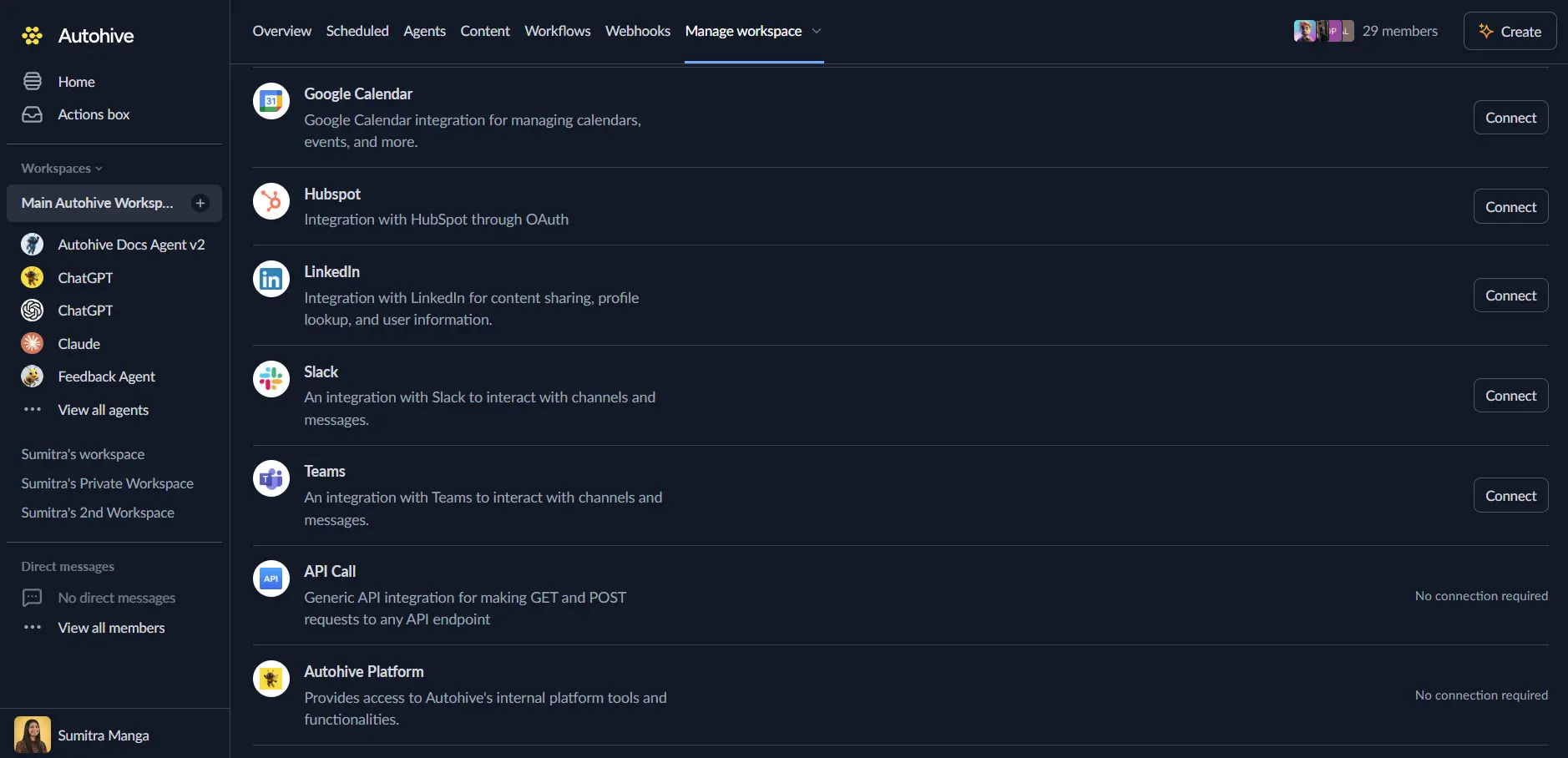
Log in to Autohive and go to Your user profile > Connections, or Your workspace -> Integrations.
Find the JobAdder Integration card and click Connect to workspace.
Authorize with JobAdder. You’ll be redirected to JobAdder’s sign-in and approval page.
Approve the requested permissions. Autohive asks for read access to your JobAdder user profile, jobs, candidates, applications, and placements, write access to create candidates and applications, and offline access to keep your connection active.
Confirm installation. You’ll return to Autohive with “Connected” status displayed.
Use the integration
Turn on JobAdder capabilities in Agent settings → Add capabilities.
- Follow our Create your first agent guide to build an agent.
- Turn on the capabilities you want your agent to use.
- Start prompting your agent with the task you want to do with JobAdder.
Available capabilities
Account
- Get Current User — Return the JobAdder user linked to this connection.
Jobs
- List Jobs — Search jobs by title, company, status, and more.
- Filters: title, company, status, owner, active state, created or updated date.
- Supports offset and limit paging.
- Get Job — Get one job’s full details by its ID.
Candidates
- List Candidates — Search candidates by name, email, phone, or resume keywords.
- Filters: status, recruiter, created or updated date.
- Get Candidate — Get one candidate’s full profile by ID.
- Create Candidate — Add a new candidate to JobAdder.
- Supports contact details, employment history, skills, education, and social links.
- JobAdder does not require a first or last name.
- Pass a duplicate override code to confirm an intentional duplicate.
Applications
- List Applications — Search applications by candidate, job, or status.
- Filters: activity, rejection, resume keywords, created or updated date.
- Get Application — Get one application’s full details by ID.
- Add Candidates to Job — Link one or more existing candidates to a job.
- Creates a new application for each candidate added.
Placements
- List Placements — Search placements by candidate, job, company, or status.
- Filters: approval state, created or updated date.
- Get Placement — Get one placement’s full details by ID.
Key features
Pagination and date filters
List actions return up to 100 results by default. Set a higher limit, up to 1,000, to get more in one call. Set the limit to 0 to get only the total count.
Date filters use the ISO 8601 format. Add a > or < before a date to match records after or before it. For example, >2026-01-01T00:00:00Z matches records updated after 1 January.
Consistent response shape
List actions return the matching records, a total count, and JobAdder’s pagination links. Get and create actions return the full JobAdder record, including any custom fields.
Least-privilege access
The integration only asks for the access it needs. It can read users, jobs, candidates, applications, and placements. It can also write candidates and applications, and it can stay connected using offline access.
Common use cases
Candidate sourcing
- Search for candidates by name, email, phone, or a resume keyword like a specific skill.
- Create a candidate record from a resume or referral.
- Add a shortlisted candidate straight to an open job.
Recruitment reporting
- Pull a list of active jobs and their status for a weekly report.
- Check placement approval status before running payroll or invoicing.
- Track new applications against a job over time.
Candidate and application lookups
- Look up a candidate’s full profile before an interview.
- Check an application’s status when a candidate asks for an update.
Notes
- This first release covers the core hiring flow only. It does not manage job records, application statuses, notes, files, requisitions, job ads, partner actions, or webhooks.
- API access needs approval. JobAdder controls API access and may require partner or developer approval.
- Rate limits apply per JobAdder account. Avoid frequent polling in your workflows.
- No delete support for created records. JobAdder has no matching delete operation for candidates or applications created through this integration.
Disconnect the integration
Important: Disconnecting removes Autohive’s access to your JobAdder account.
- Go to Your user profile -> Connections, or Your workspace -> Integrations.
- Find the JobAdder Integration.
- Click Disconnect and confirm.
Data Impact: Disconnecting stops API access using your stored credentials. It does not change any data in your JobAdder account.