GUIDEcx
The Autohive GUIDEcx integration connects your GUIDEcx account with Autohive’s automation platform, enabling:
- Onboarding project management - search, retrieve, create, and update onboarding projects and their associated customers
- Project structure control - build out phases, milestones, and tasks, and update task status, assignee, or priority
- Dependency tracking - link tasks together and manage dependencies between them
- Team coordination - list and manage project team members, workspace members, and roles
- Time tracking - log and search billable time against tasks and projects
- Webhook automation - subscribe to GUIDEcx events (project, task, milestone, member, and message changes) so workflows react instead of polling
Install the integration
GUIDEcx uses a User-Based API Token for authentication.
Sign in to GUIDEcx as a workspace admin - token creation is admin-gated; Manager and Member roles cannot generate one
Navigate to Company Settings → Open API
Generate a User-Based Token and copy it immediately - it is shown only once
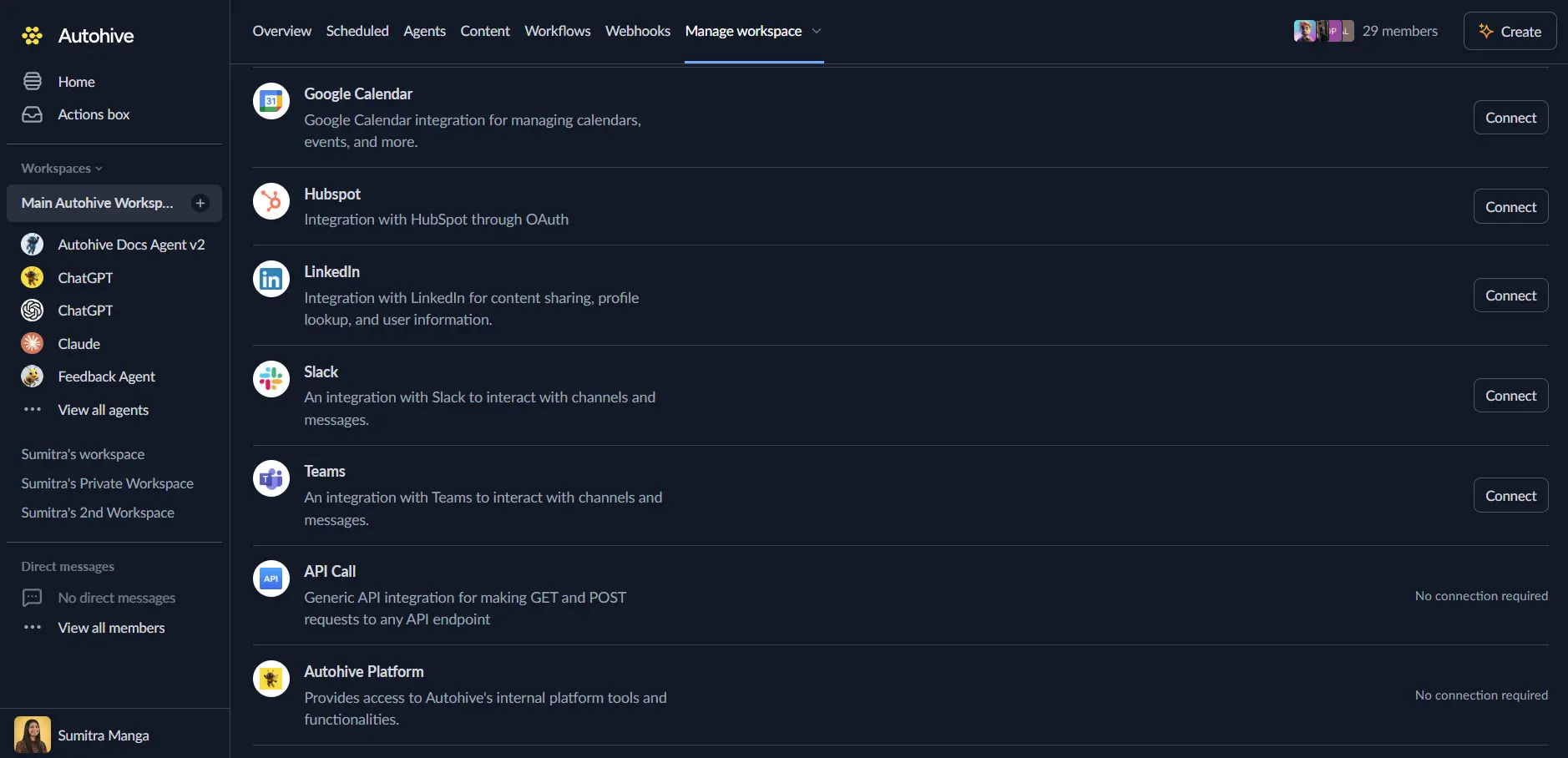
Log in to Autohive and navigate to Your user profile > Connections or Your workspace → Manage workspace
Locate the GUIDEcx Integration card and click Connect
Enter your API Token
Confirm installation
Use the integration
You can now use the integration with your agents, workflows, and scheduled tasks!
- Follow our Create your first agent guide on how to create an agent.
- In the Agent settings, scroll down to the Add integrations and agents section and add the GUIDEcx integration. You can choose which individual GUIDEcx actions to turn on and off.
- Once the settings have been selected, begin prompting the agent with the workflow you’d like to achieve with Autohive and GUIDEcx!
Available capabilities
Projects
- List Projects - Search onboarding projects by status category, customer, project manager, tag, or update date
- Get Project - Retrieve a single project by ID
- Create Project - Create a project, optionally with an inline customer and a project manager, or scaffold the whole structure from a template
- Update Project - Update a project’s name, dates, status, tags, or contract value
- Get Customer - Retrieve a customer by ID
Project Structure
- List Phases - List a project’s phases in display order
- List Milestones - List a project’s milestones in display order
- List Tasks - Search tasks by project, milestone, assignee, status category, or name
- Create Phase - Create a phase in a project
- Create Milestone - Create a milestone inside a phase
- Create Task - Create a task under a milestone
- Update Task - Update a task’s status, due date, assignee, or priority
- Add Task Note - Post a note to a task’s message channel
Dependencies
- List Dependencies - List task dependencies by project or by either end
- Add Dependency - Make one task depend on another
- Remove Dependency - Remove a dependency between two tasks
Team
- List Project Members - List the members assigned to a project, with project role
- Remove Project Member - Unassign a member from a project’s team
- List Members - Search workspace members by email, role, or invitation status
- List Roles - List the roles configured in the workspace
Time Tracking
- List Time Categories - List time categories and their billable rates
- List Time Records - Search logged time by project, task, member, category, or work date
- Log Task Time - Log hours against a task
- Log Project Time - Log hours against a project
Webhooks
- List Webhooks - List webhook subscriptions with delivery history
- Upsert Webhook - Create or update a webhook subscription
- Delete Webhook - Delete a webhook subscription
Key features
Structured onboarding hierarchy
GUIDEcx organizes onboarding work as project → phase → milestone → task. Creating a project from a template scaffolds the whole tree at once; building from scratch means creating each level in order.
Status categories for reliable filtering
Every status label maps to a fixed status category (PENDING, IN_PROGRESS, DONE, LATE, CANCELLED, ON_HOLD for projects; NOT_STARTED, IN_PROGRESS, STUCK, SIGN_OFF, DONE, NOT_APPLICABLE for tasks). Filtering on the category rather than the workspace-configurable label keeps automations portable across workspaces.
Event-driven automation via webhooks
Subscribe to project, task, milestone, member, and message events so workflows can react to GUIDEcx activity in real time instead of polling for changes.
Time and billing visibility
Log and search time against both tasks and projects, with visibility into time categories and their billable rates.
Common use cases
Onboarding kickoff automation
- Create Project from a template when a new customer is won
- Create Task or update the auto-created structure with customer-specific details
- Upsert Webhook to notify a Slack channel on
task.updated
Onboarding progress reporting
- List Projects filtered by
status_category: IN_PROGRESS - List Tasks for each project to check for stuck or overdue items
- Summarize progress for a customer success or leadership update
Dependency-aware task management
- List Dependencies for a project to understand blocking relationships
- Update Task to reassign or reprioritize blocked work
- Add Task Note to explain the change to the project team
Time and billing reconciliation
- List Time Records for a project or task over a date range
- Log Task Time or Log Project Time to record additional work
- Roll the totals up against List Time Categories billable rates for invoicing
Disconnect the integration
- Navigate to Your user profile → Connections or Your workspace → Integrations
- Find the GUIDEcx Integration
- Click Disconnect and confirm
Data Impact: Existing data in your GUIDEcx account remains completely unchanged. Disconnecting only removes Autohive’s API access.
Notes
- GUIDEcx’s Open API reports a rate limit of 500 requests per window (
X-RateLimit-Limit); exceeding it returns a429with aRetry-Afterheader. - Nothing structural can be deleted through the v3 API - projects, phases, milestones, tasks, time records, and messages are permanent once created. Only dependencies and webhooks can be removed, and removing a project member unassigns rather than deletes them.
- A task cannot be created directly under a project - it must belong to a milestone (project → phase → milestone → task).
- Tags are additive: sending new tags adds to the existing set rather than replacing it. Send an empty array to clear all tags.
- Projects created through GUIDEcx’s classic UI are not visible to this integration; only projects created through the GUIDE 2.0 interface are.