Grok Imagine
The Autohive Grok Imagine integration enables AI-powered image creation and editing using xAI’s Grok image model. This tool provides:
- Text-to-image generation - Create images from natural language descriptions
- Image editing - Modify existing images using natural-language instructions, with support for multiple source images
- Configurable output - Choose aspect ratio and resolution (1K or 2K) for generated images
- Fast generation - Optimised for quick turnaround at low per-image cost
Overview
Grok Imagine uses xAI’s Grok image generation model, which supports both generating new images from text prompts and editing existing images with natural-language instructions. Images can be produced at 1K or 2K resolution across a range of aspect ratios.
Key capabilities:
- Generate images from text descriptions
- Edit existing images using natural language instructions, with up to several input images
- Choose an aspect ratio and resolution suited to your use case
Enable the tool
Grok Imagine is available as a capability you can add to your Autohive agents:
Navigate to your agent in Autohive
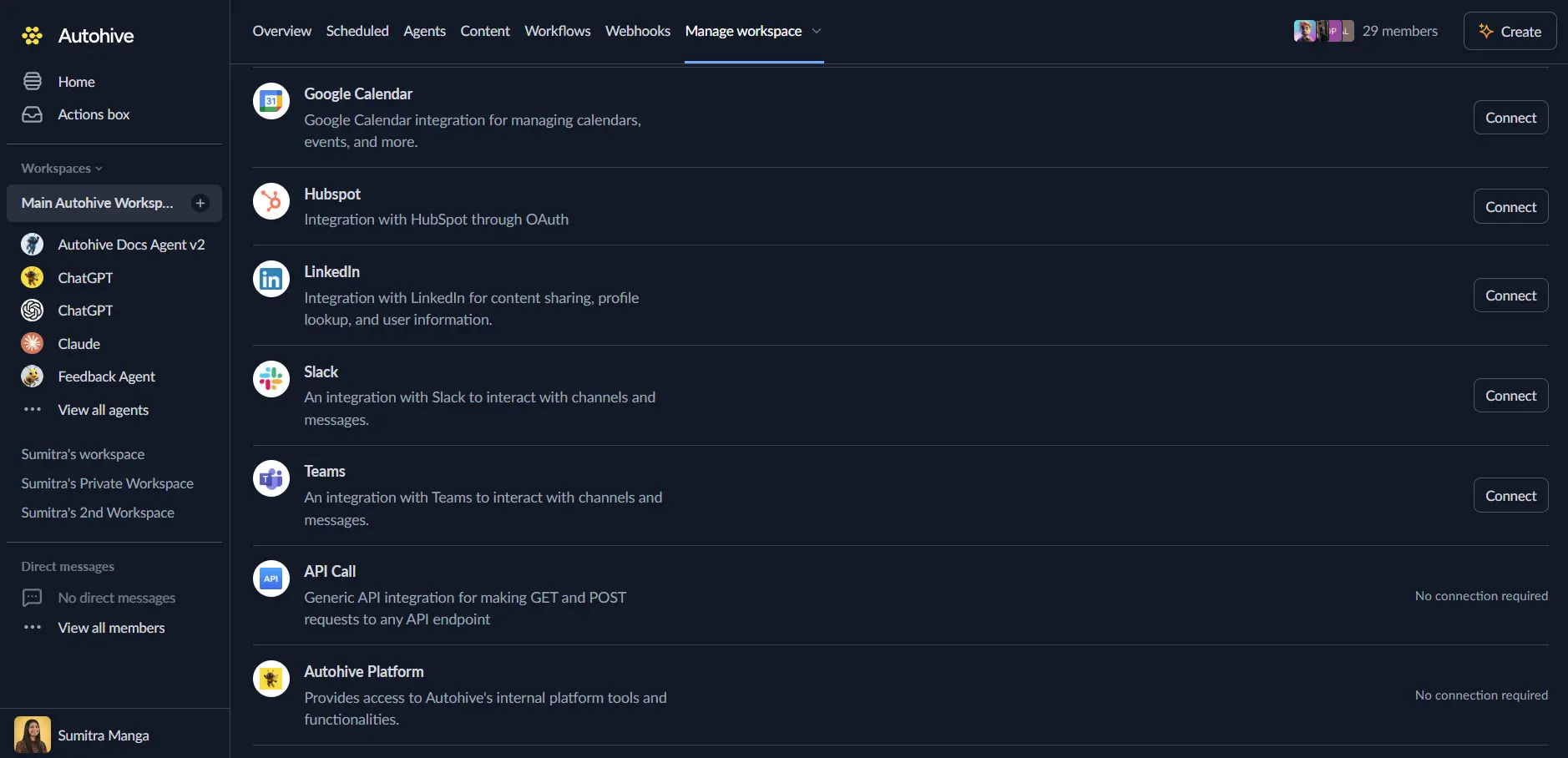
Open Agent Settings and scroll to Add integrations and agents
Add the “Grok Imagine” integration
Save your agent configuration
Use the tool
Once enabled, your agent can invoke Grok Imagine automatically when image creation or editing is needed, or you can explicitly request it.
Text-to-image generation
Prompt: "Generate an image of a mountain at sunset in a photorealistic style"
The agent invokes Grok Imagine with your prompt and returns the generated image.
Image editing
Prompt: "Edit this photo to remove the background and add a soft studio backdrop"
Provide the source image and describe the change — Grok Imagine applies the requested edit.
Use cases
Marketing & design
- Generate product mockups, promotional graphics, and social media images
- Produce quick visual concepts for campaigns before committing to a photoshoot
Content creation
- Generate featured images or thumbnails for articles and videos
- Create illustrative visuals to accompany written content
Prototyping & ideation
- Visualise product or design concepts quickly
- Produce mood boards or concept art for early-stage ideas
Tips for better results
Be specific and descriptive:
  Good: "A professional product photo of a matte black coffee mug on a marble countertop, soft natural light, shallow depth of field"
Poor: "A mug"
Include style details such as art style (photorealistic, watercolor, minimalist), mood, lighting, and composition to guide the result more precisely.
For editing tasks, reference specific elements in the image and describe the desired change explicitly rather than giving open-ended instructions.
Frequently asked questions
Q: Does Grok Imagine require a separate xAI account or API key?
- This depends on how the capability is provisioned in your workspace — check your Agent Settings for any required connection step.
Q: What resolutions are supported?
- Images can be generated at 1K or 2K resolution.
Q: Is there a limit to how many images I can generate?
- Usage counts toward your workspace’s token/usage consumption; check your plan for specific limits.
Related features
- Agent Capabilities - Overview of all available tools
- Content area - Store and manage generated images
- Getting Started - Getting started guide