Granola
The Autohive Granola integration connects your Granola account with Autohive’s automation platform, enabling:
- Meeting discovery - List meeting notes you can access, including meeting ID, title, date, and attendees
- Meeting note retrieval - Read meeting notes you can access, including private notes and AI-summarized notes
- Folder browsing - List the meeting folders you can access, including folder ID, title, description, and note count (paid plans)
- Transcript access - Retrieve the full raw transcript for a meeting (paid plans)
- Conversational meeting search - Ask natural-language questions across your entire meeting history
- Account verification - Confirm which Granola account and workspace is connected to the current session
Install the integration
Granola uses OAuth authentication through its hosted MCP connector.
Log in to Autohive and navigate to Your user profile > Connections or Your workspace → Manage workspace
Locate the Granola Integration card and click Connect
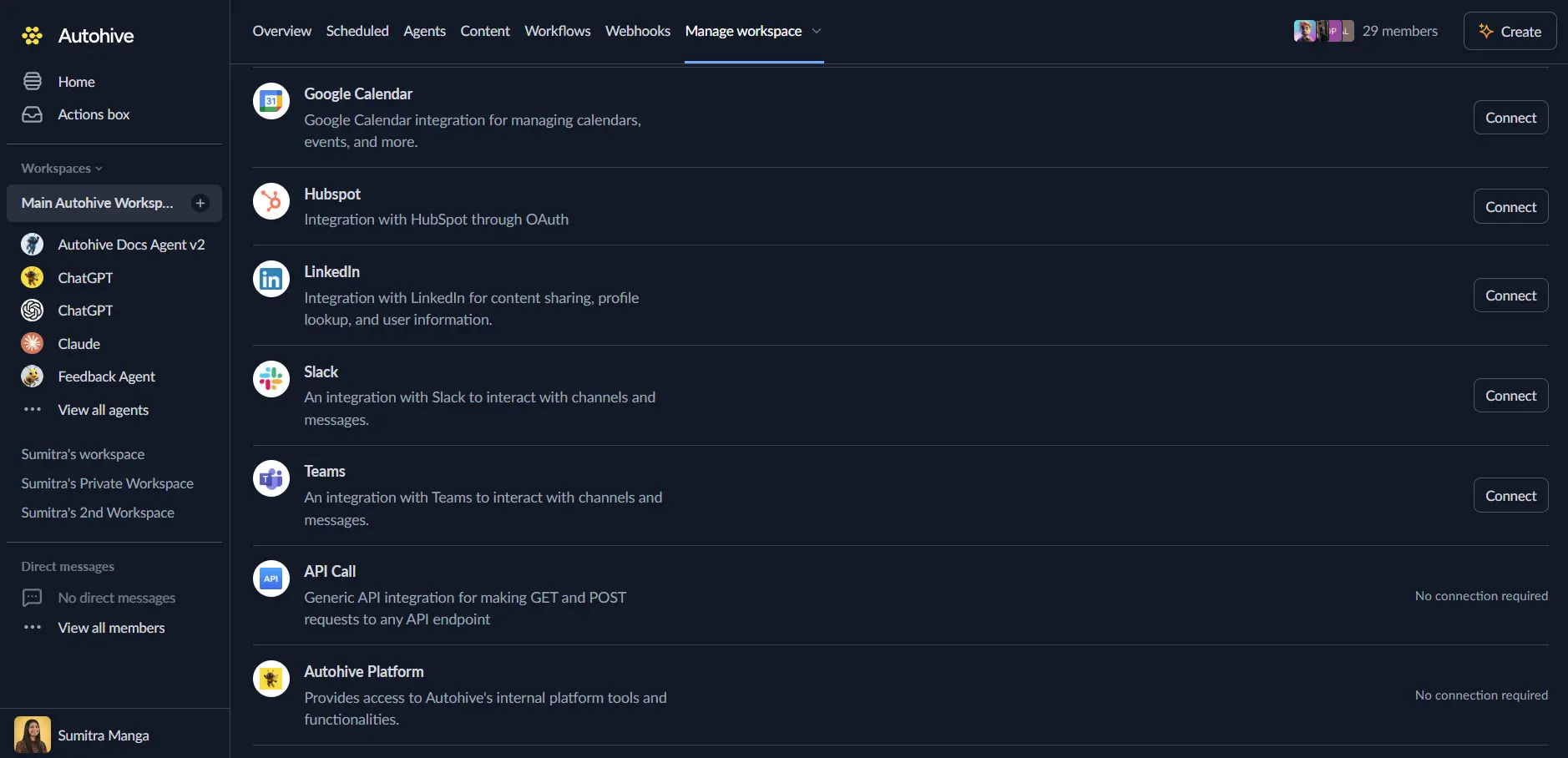
You’ll be redirected to Granola — log in with your Granola account and authorise Autohive to access the MCP server
You’ll be redirected back to Autohive with the integration showing as “Connected”
Use the integration
You can now use the integration with your agents, workflows, and scheduled tasks!
- Follow our Create your first agent guide on how to create an agent.
- In the Agent settings, scroll down to the Add capabilities section and turn on the Granola capability. You can choose which individual Granola capabilities to turn on and off.
- Once the settings have been selected, begin prompting the agent with the workflow you’d like to achieve with Autohive and Granola!
Available capabilities
Meetings
- List Meetings - List meeting notes you can access, including meeting ID, title, date, and attendees. Can be filtered by folder on paid plans
- Get Meetings - Read meeting notes you can access, including meeting ID, title, date, attendees, private notes, and summarized notes
- Get Meeting Transcript - Paid plans only — Zoom in to a meeting’s transcript, including the raw transcript text
Folders
- List Meeting Folders - Paid plans only — List the folders you can access, including folder ID, title, description, and note count
Conversational search
- Query Granola Meetings - Chat with your Granola meeting history using natural language, surfacing answers, decisions, and follow-ups without needing to specify which meeting to look in
Account
- Get Account Info - Returns the email and active workspace for the Granola account currently connected to this MCP session — useful for confirming you connected the right account when you have multiple (e.g. personal + work)
Key features
Natural language meeting intelligence
Ask questions like “What are the remaining action items for each person on this project?” or “What meetings did I have with Sam last week?” and get answers drawn directly from your meeting notes, rather than needing to search or open each meeting manually.
Private notes and AI summaries together
Meeting reads return both the notes you took yourself and Granola’s AI-generated summary side by side, giving an agent the full picture of what was captured and what was concluded.
Plan-aware capabilities
Folder browsing and full transcript access are available on paid Granola plans. Meeting notes, summaries, and account info are available regardless of plan.
Multi-account confirmation
Get Account Info lets an agent confirm exactly which Granola account and workspace it’s connected to before running a query — useful if you have more than one (for example, personal and work).
Common use cases
Meeting recap and follow-up
- Ask an agent to summarise a recent meeting’s decisions and next steps
- Pull remaining action items for each attendee on a project
- Check what was discussed with a specific person or client across recent meetings
Project and client history
- Reconstruct a project’s timeline by querying meetings associated with it over time
- Cross-reference notes from multiple meetings with the same client or team
Organising meeting knowledge
- Browse meeting folders to give an agent context on how your meetings are organised
- Retrieve transcripts for meetings that need a closer, word-for-word review
Disconnect the integration
- Navigate to Your user profile → Connections or Your workspace → Manage workspace
- Find the Granola Integration
- Click Disconnect and confirm
Data Impact: Existing data in your Granola account, including your notes and transcripts, remains completely unchanged. Disconnecting only removes Autohive’s API access.
About Granola
Granola is an AI notepad for meetings that turns your own notes and the conversation audio into clean, structured meeting notes. Its MCP server lets AI tools like Autohive query your meeting history in natural language, with some capabilities — full transcript access and folder browsing — reserved for paid plans.