Ghost
The Autohive Ghost integration connects to your Ghost CMS site, enabling:
- Post management - Create, update, and read posts with full HTML content support
- Page management - Create and retrieve static pages on your Ghost site
- Member management - Create and update subscriber members
- Newsletter delivery - Trigger email delivery of published posts to subscribers
- Media uploads - Upload images directly to your Ghost site
- Content discovery - List and filter tags, authors, tiers, and site settings
Install the integration
Ghost uses API key authentication. You will need your Ghost Admin URL and API keys from your Ghost site.
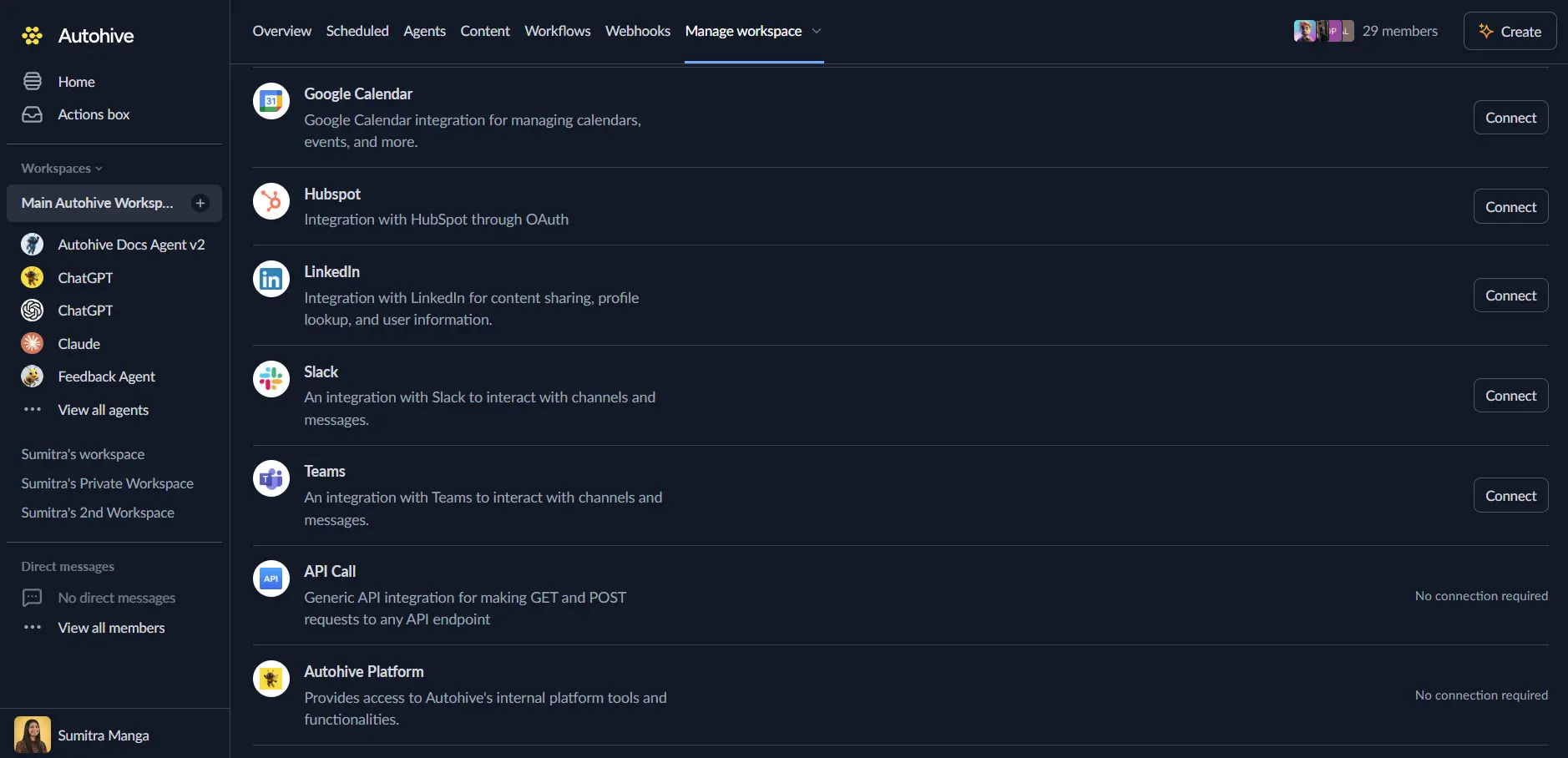
Log in to Autohive and navigate to Your user profile > Connections or Your workspace → Manage workspace
Locate the Ghost Integration card and click Connect
Enter your credentials:
- Ghost Admin URL — Your Ghost site’s base URL, e.g.
https://yoursite.ghost.io - Content API Key — For reading posts, pages, tags, and authors (read-only access)
- Admin API Key — For creating/updating content and managing members (format:
id:secret)
- Ghost Admin URL — Your Ghost site’s base URL, e.g.
Click Save to complete the connection
Finding your API keys
- Log in to your Ghost Admin panel
- Navigate to Settings → Integrations
- Click Add custom integration (or use an existing one)
- Copy the Content API Key and Admin API Key
Use the integration
You can now use the integration with your agents, workflows, and scheduled tasks!
Follow our Create your first agent guide on how to create an agent.
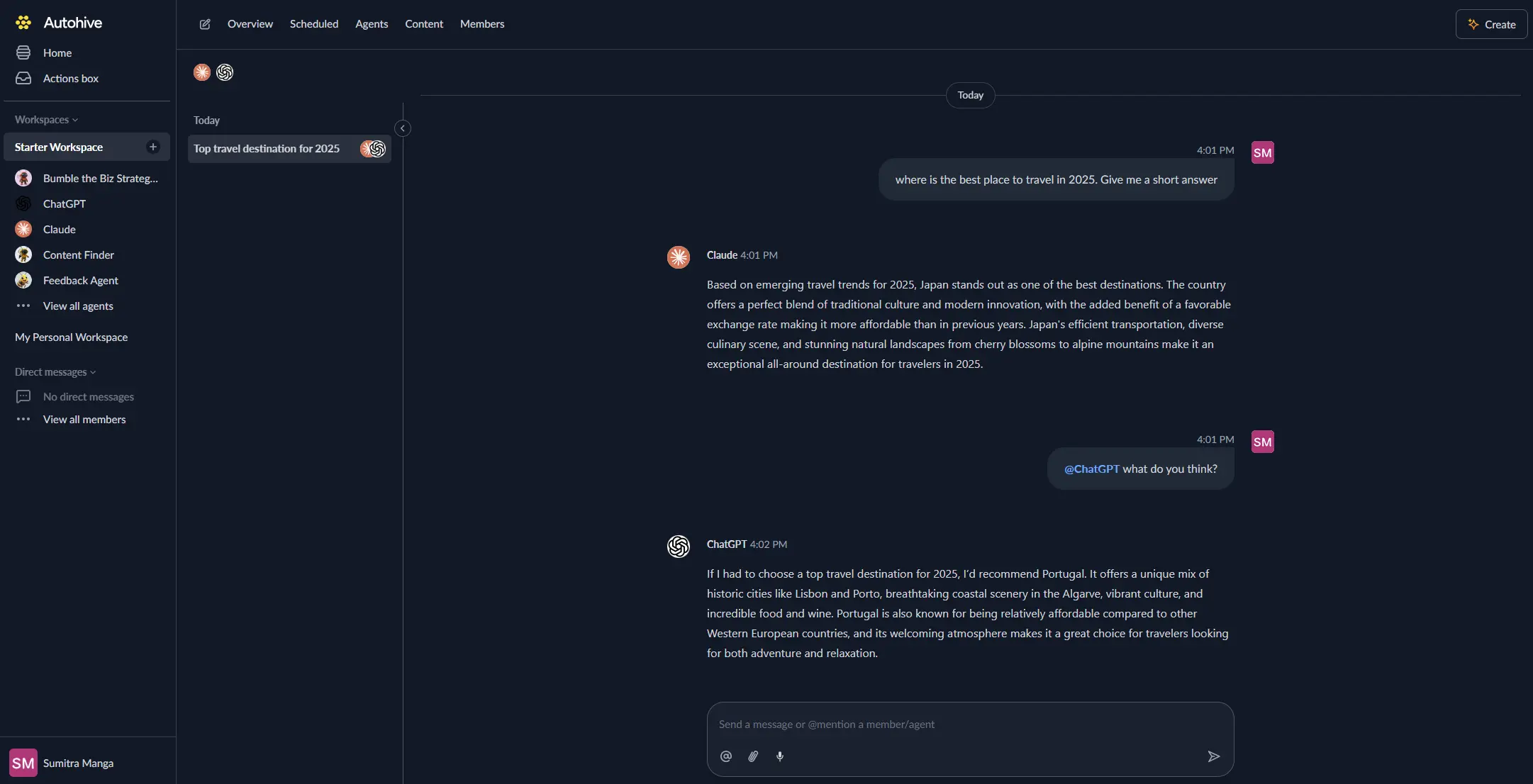
In the Agent settings, scroll down to the Add capabilities section and turn on the Ghost capability. You can choose which individual Ghost capabilities to turn on and off.
Once the settings have been selected, begin prompting the agent with the workflow you’d like to achieve with Autohive and Ghost!
Available capabilities
Post Operations
- Get Posts: List posts from your Ghost site with filtering by tag, author, status, and pagination support
- Get Post: Fetch a single post by ID or slug, including full HTML content
- Create Post: Create a new post with title, HTML content, tags, featured image, and publish status
- Update Post: Update an existing post — requires
updated_atfor conflict detection
Page Operations
- Get Pages: List static pages from your Ghost site
- Get Page: Fetch a single page by ID or slug
- Create Page: Create a new static page with title, HTML content, and metadata
Member Management
- Create Member: Add a new subscriber member with name, email, and optional newsletter subscriptions
- Update Member: Update an existing member’s details
Newsletter & Media
- Send Newsletter: Trigger email delivery of a published post to newsletter subscribers
- Upload Image: Upload an image file to your Ghost site’s media library
Site Information
- Get Tags: List all tags used across your Ghost site
- Get Authors: List all authors on your Ghost site
- Get Settings: Retrieve site-wide settings including title, description, logo, and timezone
- Get Tiers: List membership tiers and their pricing details
Key features
Full Content Management
- Create and update posts with full HTML body content
- Support for featured images, custom excerpts, tags, and authors
- Control publish status: draft, published, or scheduled
Conflict-Safe Updates
- Post updates require
updated_attimestamp for optimistic concurrency control - Prevents accidental overwrites when multiple processes update the same post
Member & Newsletter Automation
- Programmatically create and update subscriber members
- Trigger newsletter sends to deliver published content to your subscriber list
- Manage member newsletter subscription preferences
Media Management
- Upload images directly to Ghost’s media library
- Returns hosted image URLs for use in posts and pages
Common use cases
Content Publishing Workflows
- Automatically create draft posts from external sources (RSS feeds, APIs, documents)
- Schedule content publication workflows triggered by external events
- Sync content from other platforms into Ghost for cross-posting
Newsletter Automation
- Create and publish a post then immediately trigger a newsletter send in one workflow
- Automate weekly or monthly newsletter compilation and delivery
- Send targeted newsletters based on member segments
Member Management
- Automatically create Ghost members when users sign up elsewhere
- Sync member data between Ghost and your CRM or email platform
- Manage newsletter subscription preferences in bulk
Content Research & Monitoring
- List and search posts by tag or author for content audits
- Retrieve site settings and structure for content planning
- Monitor published content and engagement data
Disconnect the integration
- Navigate to Your user profile → Connections or Your workspace → Manage workspace
- Find the Ghost Integration
- Click Disconnect and confirm
Data Impact: Existing content on your Ghost site remains unchanged. Disconnecting removes Autohive’s access to your Ghost API.
Notes
- The Admin API Key follows the format
id:secret— copy it exactly as shown in Ghost Admin → Settings → Integrations. Update Postrequires theupdated_atfield (from a previous Get Post call) to prevent overwriting concurrent changes.Send Newsletterrequires the post to already be published before triggering delivery.- Ghost Cloud and self-hosted Ghost instances are both supported, provided the Admin URL is accessible.