Dovetail
The Autohive Dovetail integration connects your Dovetail workspace with Autohive’s automation platform, enabling:
- Project discovery - List all projects in your Dovetail workspace
- Insight retrieval - List and retrieve insights for a project, including full markdown content
- Research data access - List and retrieve project data entries, including full markdown content
- Highlight access - Retrieve highlights captured for a specific project
- Workspace-wide search - Search across all content in your Dovetail workspace
Install the integration
Dovetail uses an authorization pop-up tied to your Dovetail account’s subdomain to connect.
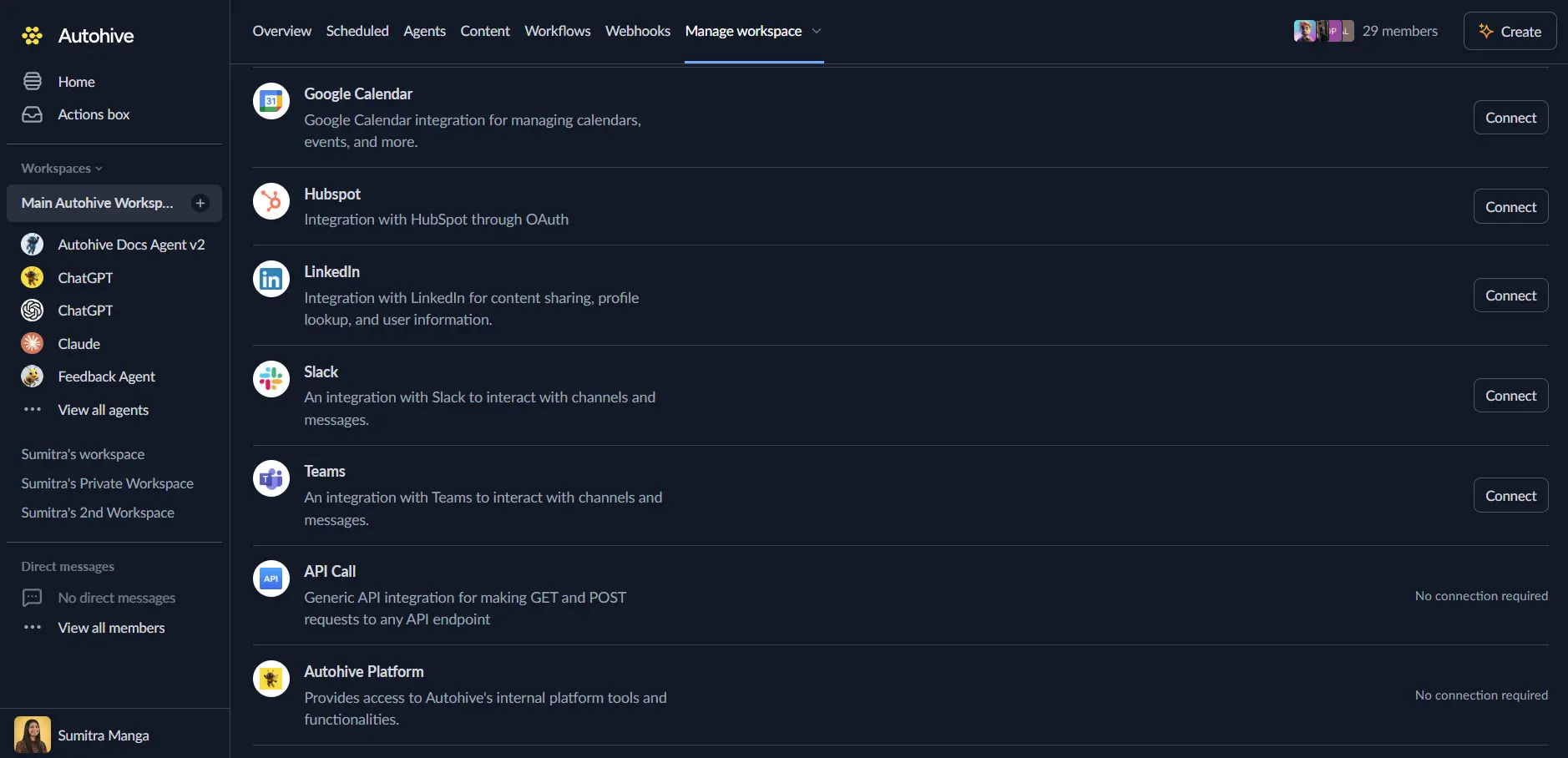
Log in to Autohive and navigate to Your user profile > Connections or Your workspace → Manage workspace
Locate the Dovetail Integration card and click Connect
A Dovetail login pop-up will open. Enter your Dovetail subdomain (the workspace subdomain from your Dovetail login URL) and click Continue
Log in to Dovetail (if you’re not already) and approve the connection
Confirm installation - you’ll be redirected back to Autohive with “Connected” status displayed
Use the integration
You can now use the integration with your agents, workflows, and scheduled tasks!
- Follow our Create your first agent guide on how to create an agent.
- In the Agent settings, scroll down to the Add capabilities section and turn on the Dovetail capability. You can choose which individual Dovetail capabilities to turn on and off.
- Once the settings have been selected, begin prompting the agent with the workflow you’d like to achieve with Autohive and Dovetail!
Available capabilities
Projects
- Get Dovetail Projects - List all projects in your workspace
Insights
- Get Project Highlights - Get highlights captured for a specific project
- List Project Insights - List insights for a project
- Get Project Insight - Get a specific insight by ID
- Get Insight Content - Get an insight’s content in markdown format
Data
- List Project Data - List data entries for a project
- Get Project Data - Get a specific data entry by ID
- Get Data Content - Get a data entry’s content in markdown format
Search
- Search Workspace - Search across all content in the workspace
Key features
Markdown content access
Insight and data entry content is retrievable in markdown format, making it straightforward for an agent to summarise, quote, or reformat research findings without additional parsing.
Workspace-wide search
Search across projects, insights, and data in one query rather than needing to know which project or entry to look in first.
Common use cases
Research summarisation
- Pull a project’s insights and highlights, then have an agent summarise key themes or recommendations
- Retrieve full insight or data content in markdown to feed into a report or slide deck
Cross-referencing customer feedback
- Search the workspace for mentions of a specific feature, customer, or theme
- Pull related insights and data entries to compile supporting evidence
Research discovery for new team members
- List all projects to give an agent context on what research exists
- Drill into a project’s insights and highlights to catch a team member up quickly
Disconnect the integration
- Navigate to Your user profile → Connections or Your workspace → Manage workspace
- Find the Dovetail Integration
- Click Disconnect and confirm
Data Impact: Existing data in your Dovetail workspace remains completely unchanged. Disconnecting only removes Autohive’s API access.