Companies Register
The Autohive Companies Register integration connects you to the New Zealand Companies Register API (v2), enabling:
- Company lookup - Retrieve full company details by NZBN or UUID including status, contacts, and annual return information
- Contact management - View, add, and update company addresses, phone numbers, and email addresses on the Register
- Address search - Search the NZ Post address file to find and validate New Zealand addresses
- Annual return filing - File annual returns for registered companies directly through Autohive
- ETag-based concurrency - Safely manage concurrent updates using ETags returned by the API
- Sandbox support - Test against the sandbox environment before targeting live Register data
Install the integration
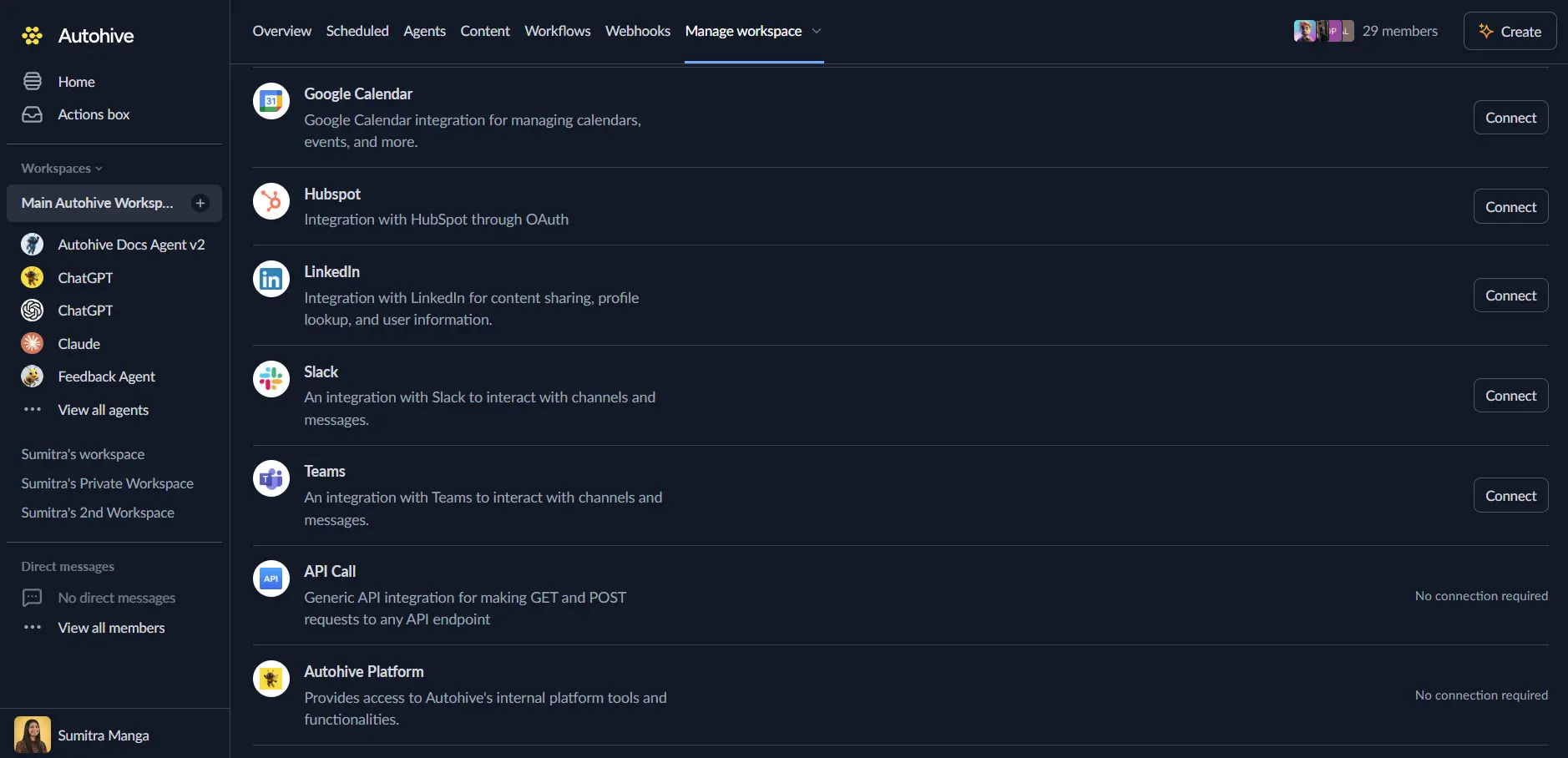
Log in to Autohive and navigate to Your user profile > Connections or Your workspace -> Integrations
Locate the Companies Register Integration card and click Connect to workspace
Authenticate - this integration uses your Azure API Management subscription key (for read operations) and RealMe OAuth 2.0 (for write operations such as updating contacts and filing annual returns). Your administrator will have configured these credentials.
Confirm installation - you’ll see “Connected” status displayed
Use the integration
You can now use the integration with your agents, workflows and scheduled tasks!
- Follow our Create your first agent guide on how to create an agent.
- In the ‘Agent settings’, scroll down to the ‘Add Integrations and Agents’ section, click ‘Add integrations and agents’, and select Companies Register. You can choose what individual Companies Register capabilities to turn on and off.
- Once the settings have been selected, begin prompting the agent with the workflow you’d like to achieve with Autohive and the Companies Register!
Available capabilities
Company Information
- Get Company Details: Retrieve full details of a company by NZBN (registered companies) or UUID (pre-incorporated companies), including status, contacts, annual return info, and an ETag
- Get Company Contacts: Retrieve all contacts for a company — addresses, phone numbers, and email addresses — with the IDs and ETag needed to update them
Contact Management
- Update Company Contact: Update an existing address, phone number, or email address for a company using the contact ID and ETag from Get Company Contacts
- Add Company Contact: Add a new address, phone number, or email address to a company (each address purpose can only exist once)
Address Search
- Search NZ Address: Search the NZ Post address file to find and validate a New Zealand address and retrieve its Delivery Point ID (DPID)
Annual Returns
- File Annual Return: File an annual return for a registered company, including filer details, declaration, and payment method
Key features
NZBN vs UUID Identifiers
The Companies Register API uses two types of identifiers depending on company status:
- Registered companies (status 50): use the NZBN as the identifier for all operations
- Pre-incorporated companies (status < 50): use the UUID as the identifier
The API parameter is named companyUuid but also accepts the NZBN for registered companies.
ETag Concurrency Control
ETags are returned by read operations and required by write operations to prevent conflicting updates:
get_company_detailsreturns an ETag required byfile_annual_returnget_company_contactsreturns an ETag required byupdate_company_contact
Always retrieve a fresh ETag immediately before performing a write operation.
Address Update Rules
When updating company addresses:
- Use address lines (
address1,address3) directly — do not include a DPID effectiveDateis required for all address updates and must be a future date- Registered office address and Address for service require an
effectiveDateat least 5 working days in the future - The
addressPurposemust exactly match the value returned byget_company_contacts
Common use cases
Company Verification and Due Diligence
- Look up NZ company registration status and details before entering into agreements
- Verify registered office and service addresses for compliance and correspondence
- Check annual return history and filing months for governance oversight
- Retrieve company contact details for KYC and onboarding workflows
Company Record Maintenance
- Keep registered office and communication addresses up to date on the Companies Register
- Update phone numbers and email addresses as company contact details change
- Add new contact records when a company establishes additional contact types
- Use address search to validate NZ addresses before submitting updates
Annual Return Automation
- Automate annual return filing workflows for a portfolio of NZ companies
- Retrieve company details and ETag ahead of filing to confirm records are current
- File annual returns with direct debit or credit card payment methods
- Store the returned document ID and status for record-keeping and audit trails
Compliance Monitoring
- Monitor company status and annual return filing dates for governance teams
- Automate reminders when annual return filing months are approaching
- Validate that registered addresses and contacts remain current for regulatory compliance
- Integrate Companies Register data with internal governance and compliance systems
CRM and Business Data Enrichment
- Enrich CRM records with official company registration details from the Register
- Keep business contact databases in sync with registered company information
- Validate customer or supplier NZBNs and company names for data accuracy
- Automate updates when company details change on the Register
Disconnect the integration
Important: Disconnecting removes Companies Register access from your Autohive workspace.
- Navigate to Your user profile -> Connections or Your workspace -> Integrations
- Find the Companies Register Integration
- Click Disconnect and confirm
Data Impact: Disconnecting stops API access but does not affect any data held on the NZ Companies Register.