Ahrefs MCP
The Autohive Ahrefs MCP integration connects to Ahrefs’ official hosted Model Context Protocol (MCP) server. MCP is a standard way for AI tools to connect to other services. With this integration, your agents can:
- Research keywords: Check search volume, related terms, and search suggestions
- Analyze sites: Pull domain rating, backlinks, referring domains, and top pages
- Track rankings: Review Rank Tracker reports and competitor positions
- Audit sites: Look at Site Audit projects, issues, and page content
- Read web analytics: See traffic sources, locations, devices, and top pages
- Check search performance: Read Google Search Console keywords, pages, and positions
- Review account limits: See your Ahrefs plan limits and usage
Install the integration
Ahrefs MCP connects to Ahrefs’ official hosted MCP server (https://api.ahrefs.com/mcp/mcp).
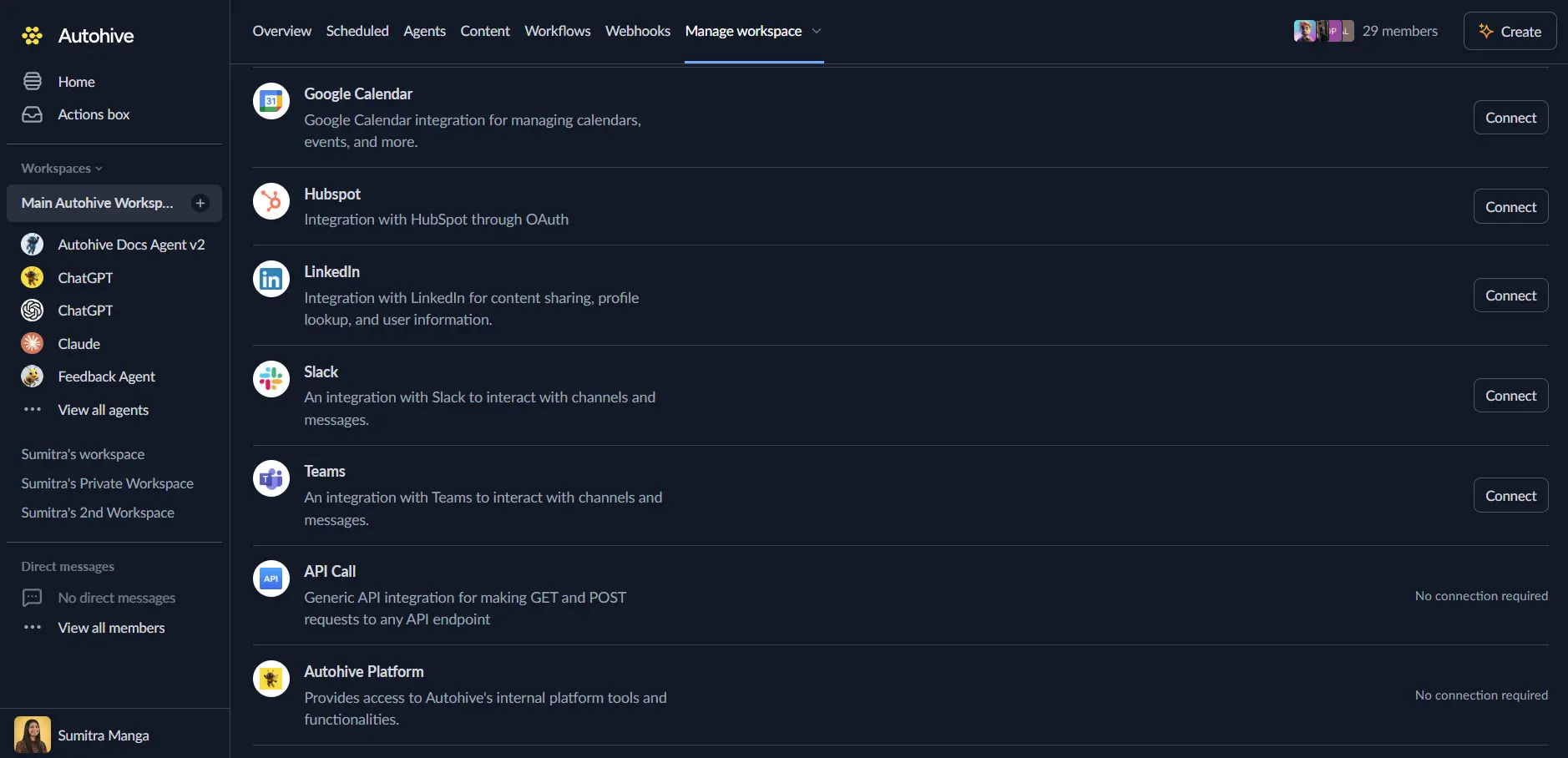
Log in to Autohive and navigate to Your user profile > Connections or Your workspace -> Manage workspace
Locate the Ahrefs MCP Integration card and click Connect
Authorize with Ahrefs - you’ll see an Ahrefs consent screen
Review and approve the connection
Confirm installation - you’ll be redirected to Autohive with “Connected” status displayed
After you approve, the connection appears in your Ahrefs account with its own API key. That key is tagged with the MCP scope. New keys have a default limit of 200,000 API units per month.
Use the integration
You can now use the integration with your agents, workflows and scheduled tasks!
- Follow our Create your first agent guide on how to create an agent.
- In the ‘Agent settings’, scroll down to the ‘Add capabilities’ section and turn on the Ahrefs MCP capability. A capability is one action an agent can take, such as running a keyword report. You can choose what individual Ahrefs MCP capabilities to turn on and off.
- Once the settings have been selected, begin prompting the agent of the workflow you’d like to achieve with Autohive and Ahrefs!
Available capabilities
Site Explorer
- Site overview: Check core metrics for a site
- Domain rating
- Backlink and outlink stats
- Organic and paid overview
- Metrics history over time
- Site reports: Pull detailed reports on a site
- Backlinks and referring domains
- Anchor text
- Organic keywords and organic competitors
- Top pages
- Linked domains
Keywords and search results
- Keyword research: Research a keyword
- Overview of a keyword
- Search volume by country
- Search volume history
- Matching and related terms
- Search suggestions
- SERP overview: See the search results page for a keyword
Rank Tracker
- Rank Tracker reports: Review how tracked keywords rank
- Overview report
- Competitor reports
Site Audit
- Site Audit reports: Review the health of a crawled site
- Site Audit projects
- Issues found
- Page explorer
- Page content
Brand Radar
- Brand Radar domain and URL reports: Read Brand Radar reports for a domain or URL
- Brand Radar entity reports: Read Brand Radar reports for an entity
Web Analytics
- Web Analytics overview: Read stats and charts for a site
- Traffic sources: See where visitors come from
- Sources and source channels
- Referrers
- Locations: See where visitors are
- Continents
- Countries
- Cities
- Devices and languages: See what visitors use
- Devices
- Browsers
- Operating systems
- Languages
- Pages: See how visitors move through a site
- Top pages
- Entry pages
- Exit pages
Google Search Console
- Search Console reports: Read search data from Google Search Console
- Keywords
- Pages
- Positions
- Performance history
Social media
- Social media reports: Review social media activity
- Channels
- Posts
- Authors
- Metrics for each
Content Helper
- Content topics: See the core topics covered by pages that rank for a keyword
Batch analysis
- Batch analysis: Analyze many targets in a single request
Management
- Account management: Work with Ahrefs account items
- Projects
- Keyword lists
- Locations
- Brand Radar configuration
Public tools
- Public lookups: Use free Ahrefs endpoints
- Crawler IP ranges
- Free domain rating
Subscription info
- Subscription limits and usage: Check your plan limits and how many API units you have used
The Ahrefs server also includes documentation and rendering helper tools. These support the capabilities above.
Key features
Live Ahrefs data
Agents read current SEO data from Ahrefs. You do not need to export reports or copy numbers by hand.
Plan limits
Each Ahrefs plan sets a maximum number of rows per request. Each plan also has a monthly amount of API units. Higher plans include more units.
Track your usage
Ahrefs shows your usage in Account settings -> Limits and usage. Workspace admins can change or remove the per-key limit in the API keys report.
Common use cases
Keyword research
- Find related terms and search suggestions for a topic
- Compare search volume across countries
Competitor and backlink analysis
- Find the sites that link to you
- Compare organic keywords and top pages against competitors
Site health checks
- Review Site Audit issues for a project
- Look at page content flagged in an audit
Reporting
- Combine Ahrefs data with Search Console and web analytics in one report
- Check API unit usage before running large reports
Disconnect the integration
Important: Disconnecting stops data synchronization but preserves existing data in both systems.
- Navigate to Your user profile -> Connections or Your workspace -> Manage workspace
- Find the Ahrefs MCP Integration
- Click Disconnect and confirm
Data Impact: Existing data remains unchanged in both systems, but sync stops and Autohive loses Ahrefs MCP access.