ActiveCampaign
The Autohive ActiveCampaign integration connects your ActiveCampaign account with Autohive’s automation platform, enabling:
- Campaign performance tracking - Pull email campaigns with derived open rate, click rate, and bounce rate
- Link-level analysis - Drill into individual campaigns to see which tracked links were clicked and how often
- Contact management - List and search contacts with filters for list membership, status, and creation date
- Engagement history - Retrieve a contact’s activity history, including opens, clicks, and other events
- List and segment discovery - Enumerate all contact lists and audience segments in your account
Install the integration
ActiveCampaign uses API key authentication. Two values are required.
Log in to your ActiveCampaign account
Go to Settings → Developer
Copy your API Key
Copy your API URL (shown on the same page, e.g.
https://mycompany.api-us1.com)Log in to Autohive and navigate to Your user profile > Integrations
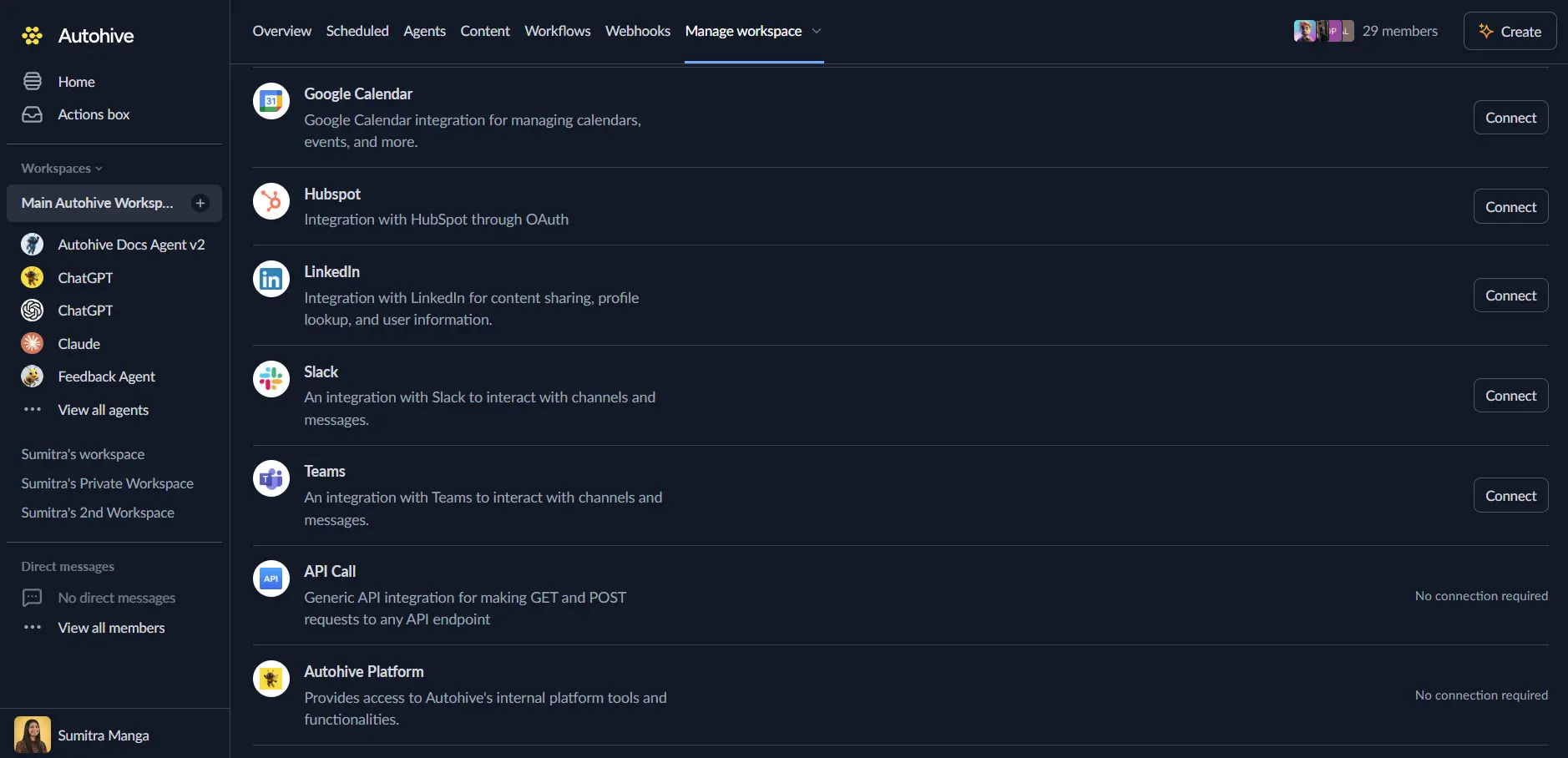
Locate the ActiveCampaign Integration card and click Connect
Enter your credentials:
- API Key - your ActiveCampaign API key
- API URL - your full ActiveCampaign API URL
Confirm installation
Use the integration
You can now use the integration with your agents, workflows, and scheduled tasks!
- Follow our Create your first agent guide on how to create an agent.
- In the Agent settings, scroll down to the Add integrations and agents section and add the ActiveCampaign integration. You can choose which individual ActiveCampaign actions to turn on and off.
- Once the settings have been selected, begin prompting the agent with the workflow you’d like to achieve with Autohive and ActiveCampaign!
Available capabilities
Campaigns
- List Campaigns - List all email campaigns with derived performance metrics (open rate, click rate, bounce rate), sends, and unsubscribes
- Get Campaign - Retrieve full details and performance metrics for a single campaign by ID
- Get Campaign Links - Retrieve all tracked links in a campaign along with their click counts
Contacts
- List Contacts - Search and filter contacts by email, list membership, status (active, unsubscribed, bounced), or creation date
- Get Contact - Retrieve a single contact by ID, including profile and subscription data
- List Contact Activities - Get a contact’s activity history, including email opens, link clicks, and other engagement events
Lists
- List Lists - Retrieve all contact lists in the account, including subscriber counts
Key features
Derived performance metrics
List Campaigns and Get Campaign calculate performance rates directly from raw campaign data, so you don’t need to compute them yourself:
| Metric | Formula |
|---|---|
| Open rate | unique_opens / sends × 100 |
| Click rate | unique_link_clicks / sends × 100 |
| Bounce rate | (hard_bounces + soft_bounces) / sends × 100 |
Contact-level engagement
- Filter contacts by status to identify unsubscribed or bounced audiences
- Retrieve full activity histories to understand individual engagement patterns
- Cross-reference contacts against specific lists to analyse segment-level response
Common use cases
Track overall EDM performance
Use List Campaigns to pull campaigns and compare open rate, click rate, and bounce rate across sends over time.
Drill into a specific campaign
Use Get Campaign for full metrics on a send, then Get Campaign Links to see which URLs were clicked and how many times.
Identify disengaged contacts
Use List Contacts filtered by unsubscribed or bounced status to understand list churn, then List Contact Activities on specific contacts to review their engagement history.
Segment-level analysis
Use List Lists to enumerate all audience segments, then List Contacts filtered by list to understand how different audiences respond to different sends.
Disconnect the integration
- Navigate to Your user profile → Connections or Your workspace → Manage workspace
- Find the ActiveCampaign Integration
- Click Disconnect and confirm
Data Impact: Existing data in your ActiveCampaign account remains completely unchanged. Disconnecting only removes Autohive’s API access.
Notes
- ActiveCampaign does not publicly document rate limits. If requests start failing with
429 Too Many Requests, back off and retry. - Only the API key owner’s account permissions apply — the integration cannot access data the underlying API key doesn’t have permission for.