On this page
Webcal
The Autohive Webcal integration connects webcal and iCal calendar feeds with Autohive’s automation platform, enabling:
- Calendar event retrieval - Fetch events from webcal/ical URLs within specified time ranges
- Timezone support - Display events in any timezone for global team coordination
- Event search - Search for specific events based on keywords in summary, description, or location
- Flexible time windows - Configure look-ahead periods to retrieve upcoming events
- Rich event data - Access detailed event information including organizer, attendees, location, and recurrence
- All-day event handling - Support for both timed and all-day events
Install the integration
Log in to Autohive and navigate to Your user profile > Connections or Your workspace -> Integrations
Locate the Webcal Integration card and click Connect to workspace
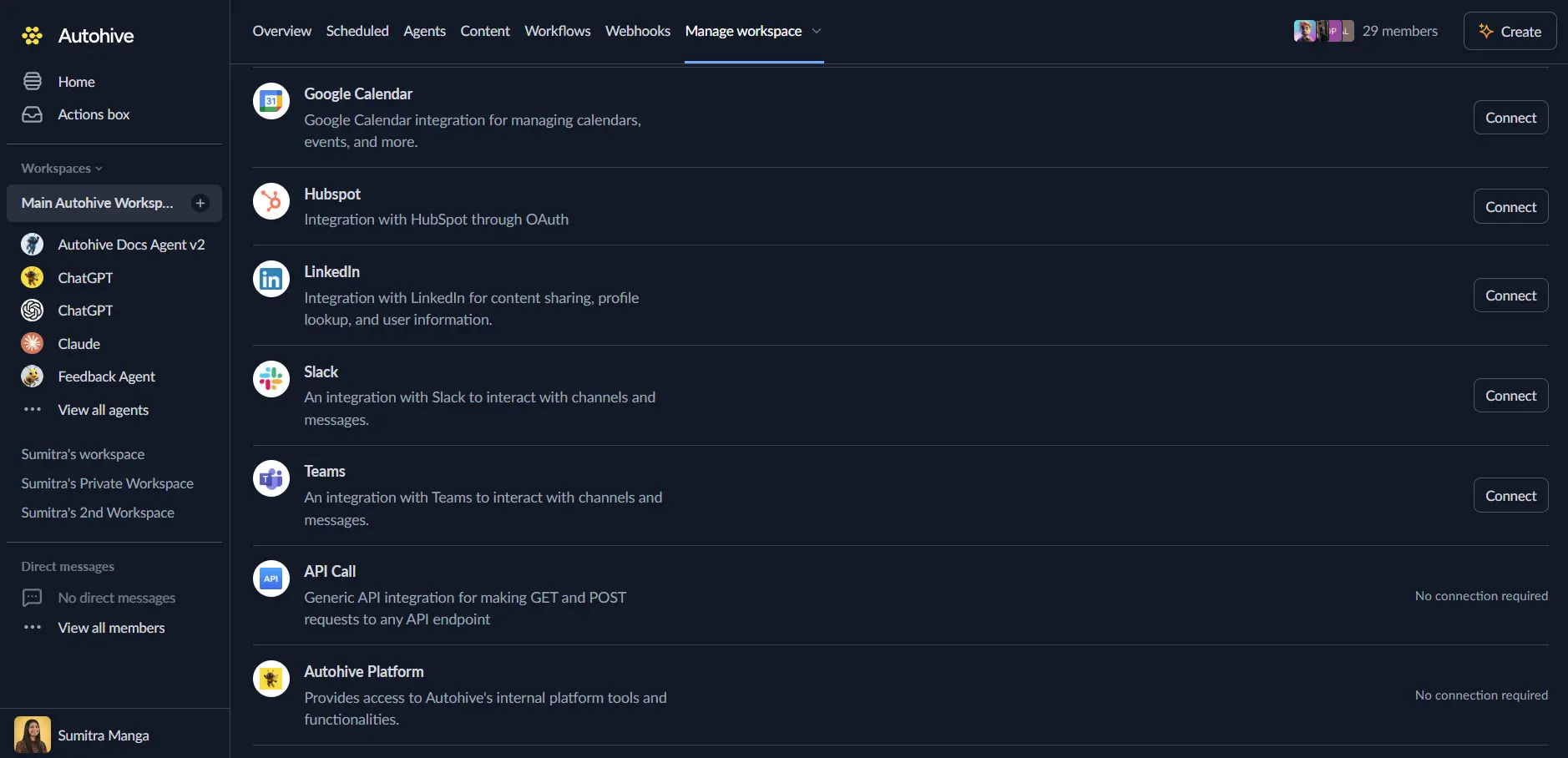
Configure webcal URLs - no authentication required for public webcal feeds
Confirm installation - you’ll see “Connected” status displayed
Use the integration
You can now use the integration with your agents, workflows and scheduled tasks!
- Follow our Create your first agent guide on how to create an agent.
- In the ‘Agent settings’, scroll down to the ‘Add Integrations and Agents’ section, click ‘Add integrations and agents’, and select Webcal. You can choose what individual Webcal capabilities to turn on and off.
- Once the settings have been selected, begin prompting the agent with the workflow you’d like to achieve with Autohive and Webcal!
Responses could be inaccurate, especially if your agent’s Temperature setting is high.
Available capabilities
Event Retrieval
- Fetch Calendar Events: Retrieve events from a webcal URL within a specified time range with timezone support and configurable look-ahead period (default 7 days)
Event Search
- Search Calendar Events: Search for specific events in a webcal feed based on keywords with case-sensitive/insensitive options and configurable look-ahead period (default 30 days)
Key features
Universal Calendar Support
- Compatible with any webcal:// or https:// calendar feed URL
- Support for standard iCal format from popular calendar services
- No authentication required for public calendar feeds
- Automatic conversion of webcal:// URLs to https:// for fetching
Comprehensive Event Data
- Event summary and detailed descriptions for context understanding
- Location information for physical or virtual meetings
- Organizer and attendee lists for coordination workflows
- Event URLs for accessing additional information
- Recurrence detection for repeating event handling
Flexible Time Management
- Configurable look-ahead periods (7 days for fetching, 30 days for searching)
- Timezone conversion to display events in any timezone (UTC, America/New_York, etc.)
- Start and end time in ISO 8601 format for integration compatibility
- All-day event flag for date-only events
Advanced Search Capabilities
- Keyword search across event summary, description, and location fields
- Case-sensitive and case-insensitive search options
- Match field reporting to identify where search terms were found
- Flexible time windows for historical and future event searches
Common use cases
Calendar Aggregation
- Fetch events from multiple webcal feeds to create unified calendar views
- Aggregate team member calendars for availability coordination
- Monitor shared calendars for upcoming deadlines and meetings
- Consolidate personal and work calendars for comprehensive scheduling
Event Monitoring and Alerts
- Search for specific event types (meetings, deadlines, appointments) and send notifications
- Monitor calendars for keyword matches and trigger automated workflows
- Alert stakeholders about upcoming events via Slack, email, or other channels
- Track recurring events for attendance or preparation reminders
Schedule Coordination
- Check multiple calendars for availability across different timezones
- Identify conflicts between personal and team calendars
- Extract upcoming events for meeting preparation automation
- Synchronize webcal feeds with other scheduling systems via Autohive
Data Integration
- Import calendar events into databases or spreadsheets for analysis
- Extract event data for reporting and attendance tracking
- Integrate calendar information with project management tools
- Combine event data with CRM systems for client meeting coordination
Timezone Management
- Display events from international calendars in local timezone
- Coordinate global team schedules across multiple timezones
- Convert event times for travel or remote work scenarios
- Standardize event times to UTC for system integration
Disconnect the integration
Important: Disconnecting stops calendar feed access but does not affect the original calendar source.
- Navigate to Your user profile -> Connections or Your workspace -> Integrations
- Find the Webcal Integration
- Click Disconnect and confirm
Data Impact: Autohive loses access to webcal feeds, but the original calendars remain unchanged.
Technical notes
Supported Calendar Formats
- Standard iCal (.ics) format
- Webcal:// protocol URLs (automatically converted to https://)
- Public calendar feeds from Google Calendar, Outlook, Apple Calendar, and other services
Date and Time Handling
- All times are returned in ISO 8601 format (YYYY-MM-DDTHH:MM:SS)
- Timezone parameter controls output timezone for all events
- All-day events have the all_day flag set to true
- Recurring events are expanded within the look-ahead period
Performance Considerations
- Look-ahead periods are configurable to balance data freshness and performance
- Fetching operations default to 7 days for efficient data retrieval
- Search operations default to 30 days for comprehensive results
- Consider caching frequently accessed calendar data in automation workflows