Productboard
The Autohive Productboard integration connects your Productboard workspace with Autohive’s automation platform, enabling comprehensive management of your product hierarchy and customer feedback.
- Product Hierarchy Management - Manage products, components, features, objectives, and releases with full lifecycle support
- Feedback Centralization - Capture and organize customer feedback, notes, and conversations
- Strategic Alignment - Link features to objectives, initiatives, and key results
- Custom Data Management - Handle custom fields for tailored product data tracking
- Analytics Access - Retrieve insights and reports from your Productboard workspace
Install the integration
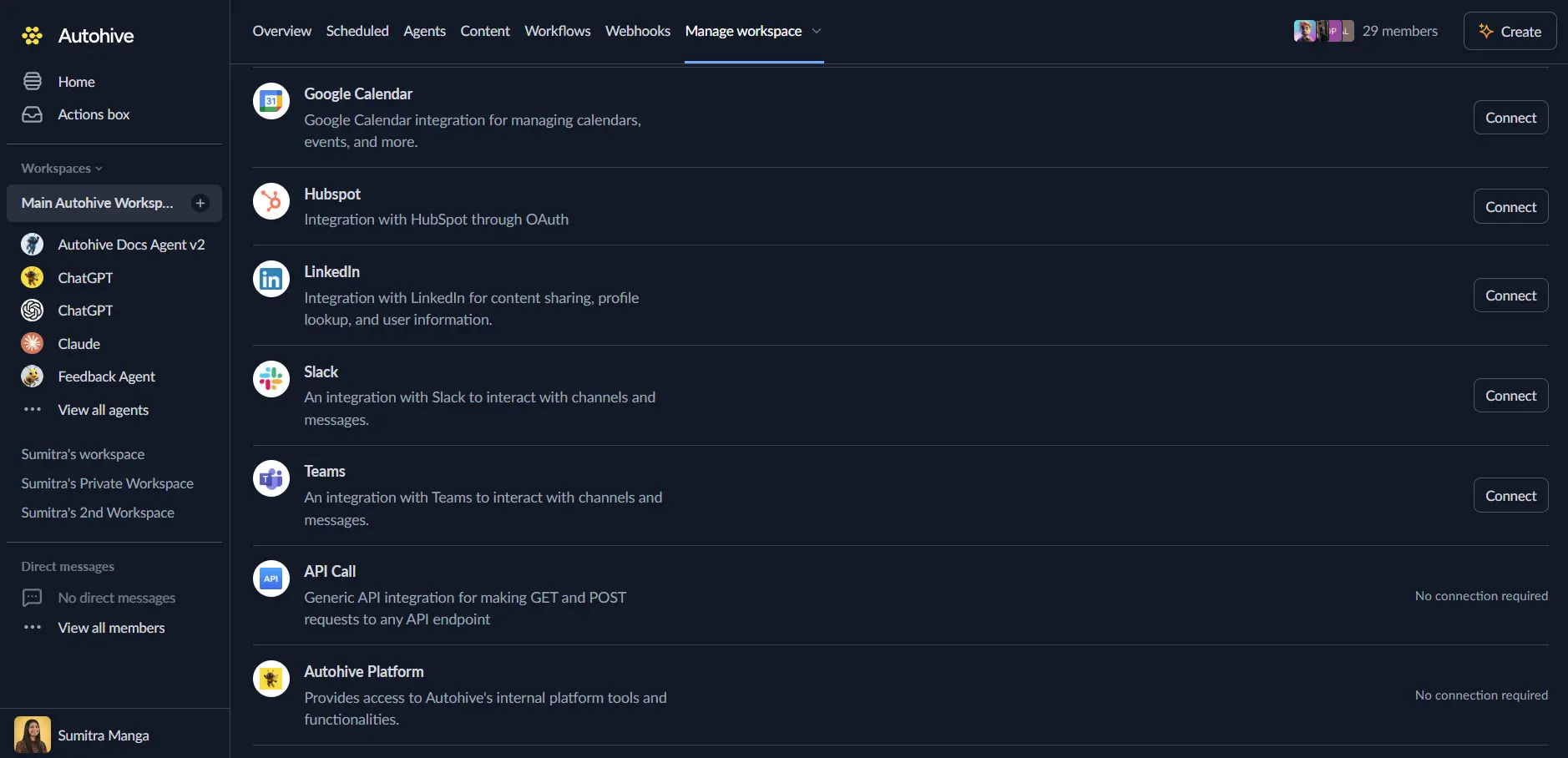
Log in to Autohive and navigate to Your user profile > Connections or Your workspace -> Manage workspace
Locate the Productboard Integration card and click Connect
Authorize Access - You will be redirected to Productboard to authorize the connection.
Confirm installation - Once authorized, your Productboard account will be connected to Autohive.
Use the integration
You can now use the integration with your agents, workflows and scheduled tasks!
- Follow our Create your first agent guide on how to create an agent.
- In the ‘Agent settings’, scroll down to the ‘Add capabilities’ section and turn on the Productboard capability.
- Once the settings have been selected, begin prompting the agent of the workflow you’d like to achieve with Autohive and Productboard!
Available capabilities
Entity Management
Manage the core building blocks of your product hierarchy including features, products, components, and more.
- List Entities: Retrieve paginated lists of entities filtered by type (feature, product, component, etc.) and status
- Get Entity: Access detailed information about a specific entity by its ID
- Create Entity: Generate new entities such as features, products, or initiatives with parent relationships
- Update Entity: Modify entity properties including name, description, status, and custom fields
- Get Entity Configuration: Retrieve metadata about supported fields and validation rules for different entity types
Note & Feedback Management
Capture and organize customer insights and feedback.
- List Notes: Browse notes and feedback filtered by owner, source, dates, or processing status
- Get Note: Retrieve specific note details including content and associated metadata
- Create Note: Create new simple notes or conversation-style entries with tags and customer details
- Update Note: Modify notes, manage tags, and update processing status
- Get Note Configuration: Access metadata about note fields and validation
Analytics & Reporting
Access Productboard’s analytics data.
- List Analytics Reports: Browse available analytics reports in your workspace
- Get Analytics Report: Retrieve detailed data from a specific analytics report
User Information
- Get Current User: Retrieve information about the currently authenticated Productboard user
Key features
Comprehensive Hierarchy Support
The integration supports the full range of Productboard entity types, allowing you to mirror your exact product structure in your automations:
- Products & Components for high-level organization
- Features & Subfeatures for delivery planning
- Objectives & Key Results for strategic alignment
- Initiatives for thematic grouping
- Releases & Release Groups for delivery scheduling
Rich Feedback Capture
Capture feedback in various formats to suit your needs:
- Simple Notes for direct customer quotes or internal observations
- Conversations for chat logs or multi-turn interactions
- Tagging for easy organization and retrieval
- Customer Association to link feedback to specific customers and companies
Custom Field Support
Go beyond standard fields by reading and updating custom fields defined in your Productboard workspace, ensuring your specific data needs are met.
Common use cases
Automated Feedback Collection
- Automatically create Productboard notes from support tickets, emails, or chat messages
- Tag incoming feedback based on keywords or source
- Link feedback to specific customers to track their requests
Feature Request Management
- Create features automatically based on highly-requested feedback
- Sync feature status updates to external systems
- Organize new features into the correct product or component automatically
Product Reporting
- Generate regular reports on feature progress and status
- Analyze feedback trends by retrieving filtered lists of notes
- Sync product hierarchy data to other planning tools
Disconnect the integration
Important: Disconnecting stops API access but preserves existing data in both systems.
- Navigate to Your user profile -> Connections or Your workspace -> Manage workspace
- Find the Productboard Integration
- Click Disconnect and confirm
Data Impact: Existing data remains unchanged in both systems, but sync stops and Autohive loses Productboard API access.