Monday.com
The Autohive Monday.com integration connects your Monday.com workspace with Autohive’s automation platform, enabling:
- Board management - Retrieve boards to access your project structures and data organization
- Item operations - Create, read, and update items to manage tasks and project deliverables
- Collaboration - Add updates (comments) to items to keep your team aligned
- User directory - Access workspace users to assign tasks and manage team resources
- Data synchronization - Retrieve items with cursor-based pagination for efficient data processing
Install the integration
Get your Monday.com API Token:
- Log in to your Monday.com account
- Click your profile picture in the bottom left corner
- Select “Administration” (if you are an admin) or “Developers” -> “My Access Tokens”
- If in Administration, go to “API” section
- Click “Generate” or “Copy” to get your personal API token
- Save this token securely
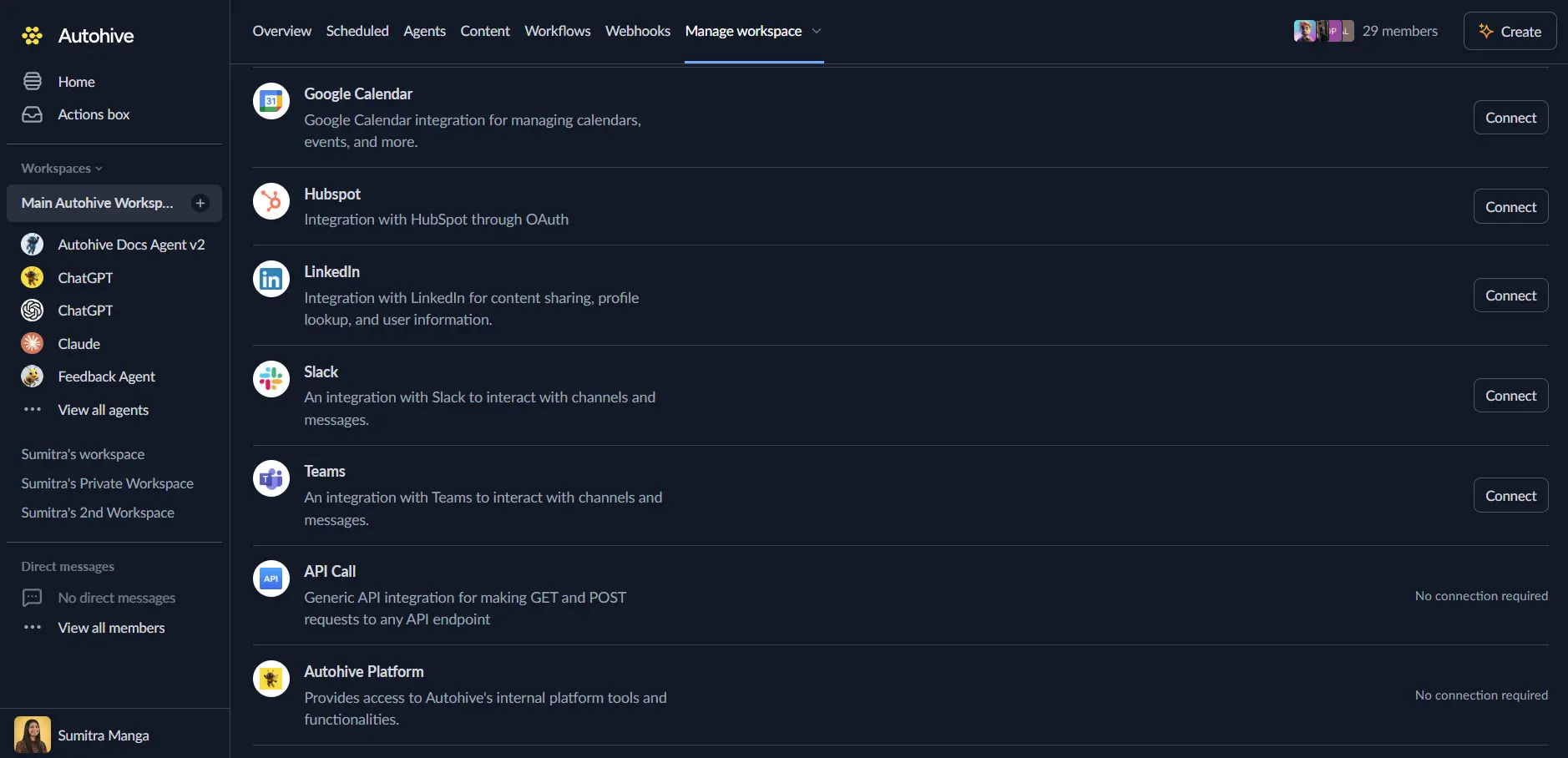
Log in to Autohive and navigate to Your user profile > Connections or Your workspace -> Manage workspace
Locate the Monday.com Integration card and click Connect
Enter your API Token in the authentication field
Confirm installation - your Monday.com account will be connected to Autohive
Use the integration
You can now use the integration with your agents, workflows and scheduled tasks!
- Follow our Create your first agent guide on how to create an agent.
- In the ‘Agent settings’, scroll down to the ‘Add capabilities’ section and turn on the Monday.com capability. You can choose what individual Monday.com capabilities to turn on and off.
- Once the settings have been selected, begin prompting the agent of the workflow you’d like to achieve with Autohive and Monday.com!
Available capabilities
Board Operations
- Get Boards: Retrieve boards from your workspace, filtering by kind (public, private, share) with pagination support. Returns board details including columns and groups.
Item Management
- Get Items: Retrieve items from a specific board using cursor-based pagination. Includes column values, group information, and creator details.
- Create Item: Create a new item on a board within a specific group. Supports setting initial column values via JSON.
- Update Item: Update an existing item’s column values. Allows modifying multiple columns in a single operation.
Collaboration
- Create Update: Add a new update (comment) to an item. useful for logging activity or notifying team members.
User Management
- Get Users: Retrieve a list of users in the workspace, including their profile details and admin status.
Key features
Efficient Data Retrieval
- Cursor-based Pagination: The
get_itemsaction uses cursors to efficiently traverse large datasets without missing or duplicating items. - Rich Data Context: Actions return comprehensive data structures, including column types, values, and user information.
Flexible Item Manipulation
- JSON Column Values: Both creation and update actions accept JSON strings for column values, allowing for complex data updates across different column types (status, text, numbers, etc.).
- Group Targeting: Create items directly in specific groups to maintain board organization.
Workspace Administration
- User Discovery: Access the full user directory to map external identities to Monday.com users for assignment and reporting.
- Board Filtering: Filter boards by visibility type to respect privacy and access controls.
Common use cases
Automated Task Entry
- Create items automatically from external triggers like emails, form submissions, or CRM updates.
- Populate columns with relevant data mapped from the source system.
Progress Tracking
- Periodically fetch board items to generate status reports or sync progress to another system.
- Update item status columns based on external events (e.g., code deployment, payment received).
Team Notifications
- Post updates to items when specific milestones are reached or when attention is needed.
- Mention users in updates to drive engagement (supported via update body text).
Data Synchronization
- Sync user lists and project structures with internal tools.
- Archive data by fetching items and storing them in a data warehouse.
Disconnect the integration
Important: Disconnecting stops API access but preserves existing data in both systems.
- Navigate to Your user profile -> Connections or Your workspace -> Manage workspace
- Find the Monday.com Integration
- Click Disconnect and confirm
Data Impact: Existing data remains unchanged in both systems, but sync stops and Autohive loses Monday.com API access.
Remove access
From Monday.com: Go to your Profile > Administration > API (or Developers section) and regenerate your token to invalidate the previous one.