The Autohive Instagram integration connects your Instagram Business or Creator account with Autohive’s automation platform, enabling:
- Content publishing - Create and publish images, videos, reels, carousels, and stories
- Post management - Retrieve and monitor your Instagram media with engagement metrics
- Comment moderation - Read, reply to, hide, and delete comments on your posts
- Analytics - Access account-level and post-level insights and performance metrics
Install the integration
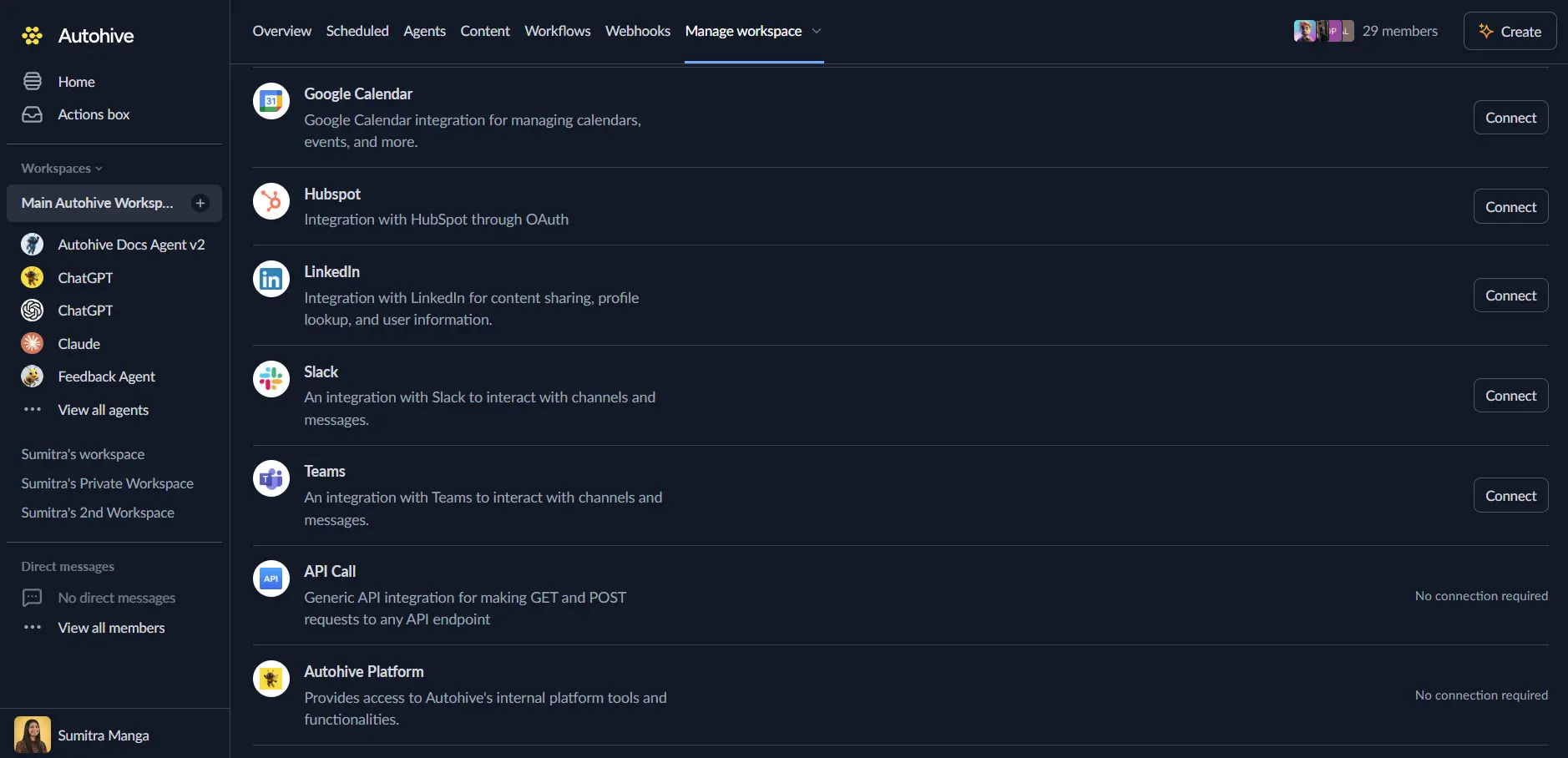
Log in to Autohive and navigate to Your user profile > Connections or Your workspace -> Integrations
Locate the Instagram Integration card and click Connect to workspace
Log in to your Instagram account with your instagram credentials
Review and approve permissions. Autohive requests access to:
- Access your Instagram Business account profile info
- Publish content to your Instagram account
- Manage comments on your posts
- Access insights and analytics for your account and media
Confirm authentication - you’ll be redirected to Autohive with “Connected” status displayed
Use the integration
You can now use the integration with your agents, workflows and scheduled tasks!
- Follow our Create your first agent guide on how to create an agent.
- In the ‘Agent settings’, scroll down to the ‘Add Integrations and Agents’ section, click ‘Add integrations and agents’, and select Instagram. You can choose what individual Instagram capabilities to turn on and off.
- Once the settings have been selected, begin prompting the agent with the workflow you’d like to achieve with Autohive and Instagram!
Available capabilities
Account Information
- Get Account: Retrieve your Instagram profile details including username, bio, follower count, following count, and total media posts
Media Publishing
- Create Post: Publish images, videos, reels, or carousel posts with captions and optional alt text for accessibility
- Create Story: Publish image or video stories that disappear after 24 hours
Post Management
- Get Posts: Retrieve posts from your account—fetch a single post by ID or list recent posts with engagement metrics (likes and comments)
Comment Moderation
- Get Comments: Retrieve comments on posts with author info, timestamps, like counts, and replies
- Manage Comment: Reply to comments or hide/unhide them to control visibility
- Delete Comment: Permanently remove a comment from a post
Analytics
- Get Insights: Access account-level metrics (reach, impressions, profile views, follower demographics) or post-level metrics (reach, saves, shares, video watch time)
Key features
Content Publishing
- Create image, video, reel, and carousel posts to your Instagram account
- Publish stories that automatically expire after 24 hours
- Add captions and alt text for accessibility
- Support for multiple media types in carousel posts
Comment Management
- Monitor and read all comments on your posts
- Reply to comments to engage with your community
- Hide inappropriate comments without deleting them
- Delete comments that violate community standards
- View replies and engagement on comments
Account Analytics
- Track account reach and impressions over time
- Monitor profile views and website clicks
- Understand follower demographics
- Choose time periods: daily, weekly, or 28-day aggregations
Post Analytics
- Measure post reach beyond your followers
- Track saves and shares for content virality
- Monitor video watch time and completion rates
- Access lifetime metrics for individual posts
Common use cases
Social Media Management
- Publish consistent content across your Instagram presence
- Monitor and respond to comments across your posts
- Track engagement metrics to optimize content strategy
- Manage your visual content library
Community Engagement
- Automatically reply to common questions on your posts
- Hide spam or inappropriate comments while preserving the conversation
- Monitor comment sentiment and engagement patterns
- Build relationships through timely responses
Content Automation
- Publish content from external triggers or content systems
- Create automated posting workflows for regular updates
- Integrate with content calendars and approval workflows
- Coordinate Instagram content with other social platforms
Analytics and Reporting
- Track account growth with follower and reach metrics
- Monitor post performance to identify top content
- Generate engagement reports for stakeholders
- Analyze content performance by type (images, videos, reels, carousels)
Disconnect the integration
Important: Disconnecting stops data synchronization but preserves existing data in both systems.
- Navigate to Your user profile -> Connections or Your workspace -> Integrations
- Find the Instagram Integration
- Click Disconnect and confirm
Data Impact: Existing data remains unchanged in both systems, but sync stops and Autohive loses Instagram API access.