Heartbeat
The Autohive Heartbeat integration connects your Heartbeat.chat community with Autohive’s automation platform, enabling:
- Channel management - List and retrieve channels with details on visibility, categories, and descriptions
- Thread operations - Create, retrieve, and list threads across channels for content distribution and engagement
- Comment management - Create comments on threads with Rich Text support and reply capabilities
- User access - Browse community members and retrieve user profiles with bio and avatar information
- Event tracking - List and retrieve community events with scheduling, location, and timing details
- Community automation - Automate content posting, member engagement, and event management workflows
Install the integration
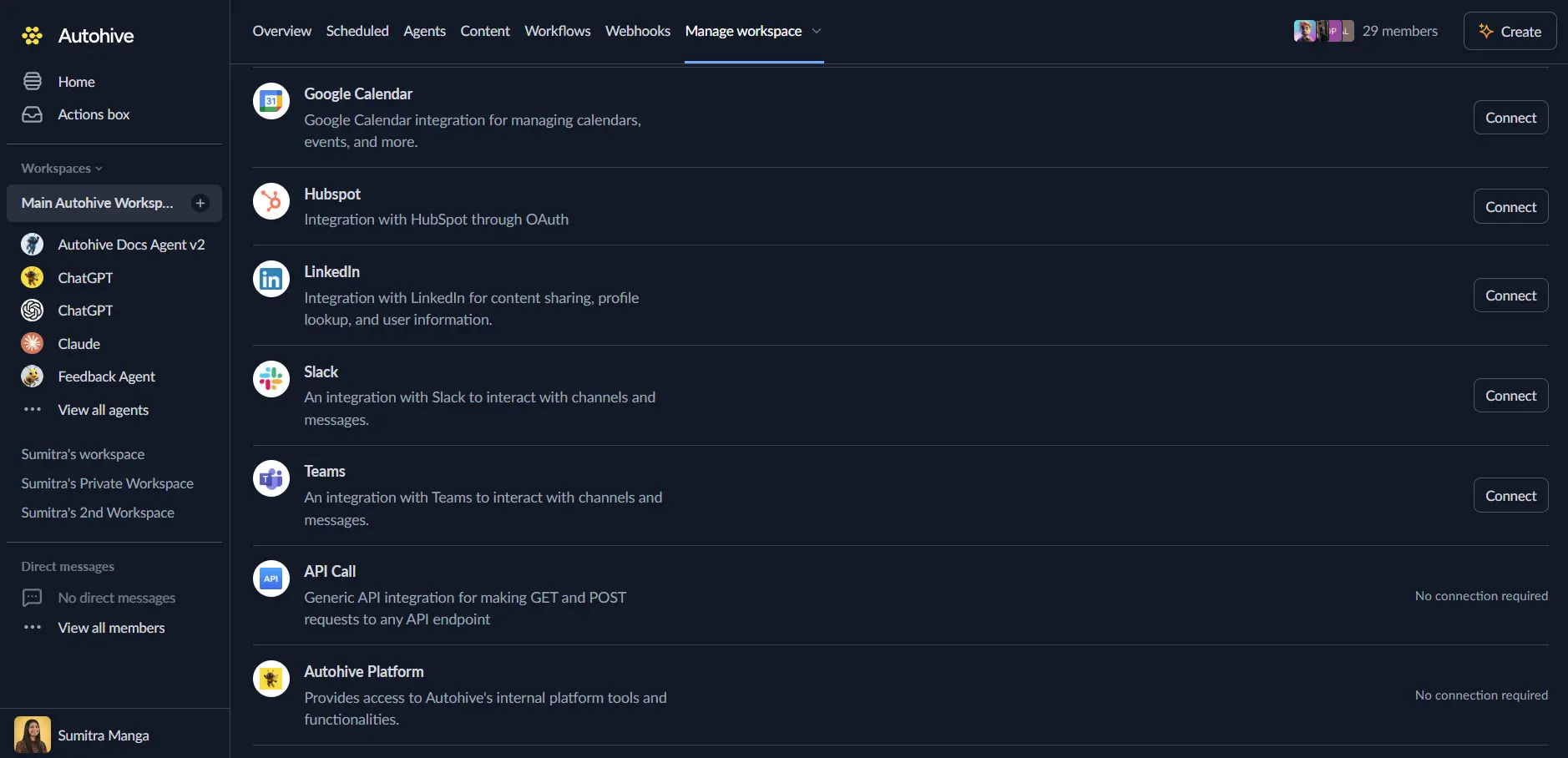
Log in to Autohive and navigate to Your user profile > Connections or Your workspace -> Integrations
Locate the Heartbeat Integration card and click Connect to workspace
Enter your Heartbeat API credentials
- Bearer Token: Your Heartbeat API bearer token (available in your Heartbeat community settings)
Confirm installation - click Connect and verify “Connected” status is displayed
Use the integration
You can now use the integration with your agents, workflows and scheduled tasks!
- Follow our Create your first agent guide on how to create an agent.
- In the ‘Agent settings’, scroll down to the ‘Add Integrations and Agents’ section, click ‘Add integrations and agents’, and select Heartbeat. You can choose what individual Heartbeat capabilities to turn on and off.
- Once the settings have been selected, begin prompting the agent with the workflow you’d like to achieve with Autohive and Heartbeat!
Available capabilities
Channel Management
- Get Channels: List all channels in the Heartbeat community with name, description, category, and privacy status
- Get Channel: Retrieve detailed information about specific channels by ID including settings and metadata
Thread Operations
- Get Channel Threads: Browse all threads from a specific channel with author details, timestamps, and comment counts
- Get Thread: Retrieve detailed information for specific threads including content, author profile, and comment history
- Create Thread: Post new threads to channels with Rich Text content formatting and optional admin user assignment
Comment Management
- Create Comment: Add comments to threads with Rich Text support, reply capabilities, and optional admin user assignment
- Reply to existing comments with parent comment ID reference
- Rich Text formatting for styled content
- Admin impersonation for team member posting
User Management
- Get Users: List all users in the Heartbeat community with email, name, bio, avatar, and join date information
- Get User: Retrieve detailed information about specific users by ID including profile data and activity timestamps
Event Management
- Get Events: List all community events with title, description, start time, end time, and location
- Get Event: Retrieve detailed information about specific events by ID including scheduling and venue details
Key features
Community Content Automation
- Create threads programmatically for announcements, content distribution, and engagement
- Post comments automatically for community interaction and moderation
- Rich Text formatting support for professional content presentation
- Admin user impersonation for posting as specific team members
Channel Organization
- Access complete channel structure including categories and privacy settings
- Browse public and private channels for targeted content distribution
- Retrieve channel metadata for automated routing and categorization
- Support for channel-based content workflows and permissions
Thread and Discussion Management
- Complete thread lifecycle with creation and retrieval operations
- Access thread author information including user profiles and avatars
- Retrieve comment history and engagement data for analytics
- Filter threads by channel for organized content management
Member Engagement Tracking
- Access complete user directory with profile information
- Retrieve user activity timestamps and join dates
- Track member avatars, bios, and contact information
- Integration-ready user data for CRM synchronization
Event Coordination
- List upcoming and past community events for scheduling automation
- Access event details including location and timing information
- Retrieve event descriptions for notification and reminder workflows
- Support for event-based automation triggers
Enterprise-Ready Integration
- Custom bearer token authentication for secure API access
- Comprehensive error handling with detailed error messages
- Support for both read and write operations across all entities
- Structured JSON responses for reliable data parsing
Common use cases
Automated Content Publishing
- Schedule and post community announcements, updates, and newsletters to channels
- Distribute content from external sources (blogs, social media) as threads
- Cross-post important updates to multiple channels automatically
- Generate automated discussion threads based on calendar events or triggers
Community Moderation and Engagement
- Post automated welcome messages to new member introduction threads
- Reply to common questions with pre-formatted responses
- Monitor thread activity and post reminders for stale discussions
- Create engagement campaigns with scheduled prompts and questions
Event Management Automation
- Post event announcements to relevant channels when events are created
- Send event reminders as thread comments to registered participants
- Generate event recap threads with attendee lists and key takeaways
- Sync Heartbeat events with external calendar systems and tools
Member Onboarding Workflows
- Welcome new community members with automated introduction threads
- Post onboarding resources and guides to designated channels
- Notify admins of new member joins for personalized follow-up
- Generate member directory updates when profiles change
Cross-Platform Integration
- Sync discussions from Heartbeat to Slack channels or Discord servers
- Post social media content to Heartbeat for community discussion
- Integrate with CRM systems to track member engagement and activity
- Connect event data with email marketing for automated promotions
Analytics and Reporting
- Extract thread and comment data for engagement analytics
- Monitor user activity patterns for community health metrics
- Generate reports on channel activity and popular discussion topics
- Track event attendance and participation rates
Disconnect the integration
Important: Disconnecting stops data synchronization but preserves existing data in both systems.
- Navigate to Your user profile -> Connections or Your workspace -> Integrations
- Find the Heartbeat Integration
- Click Disconnect and confirm
Data Impact: Existing data remains unchanged in both systems, but sync stops and Autohive loses Heartbeat API access.
Uninstall the app
From Heartbeat: Go to your Heartbeat community settings > API > Find and revoke the API token used for Autohive integration.