The Autohive Facebook integration connects your Facebook Pages with Autohive’s automation platform, enabling:
- Page management - Discover and manage all your Facebook Pages from a unified interface
- Content publishing - Create, schedule, and delete posts with text, photos, videos, and links
- Comment moderation - Read, reply to, hide, like, and delete comments on your posts
- Analytics - Access page-level and post-level insights and engagement metrics
Install the integration
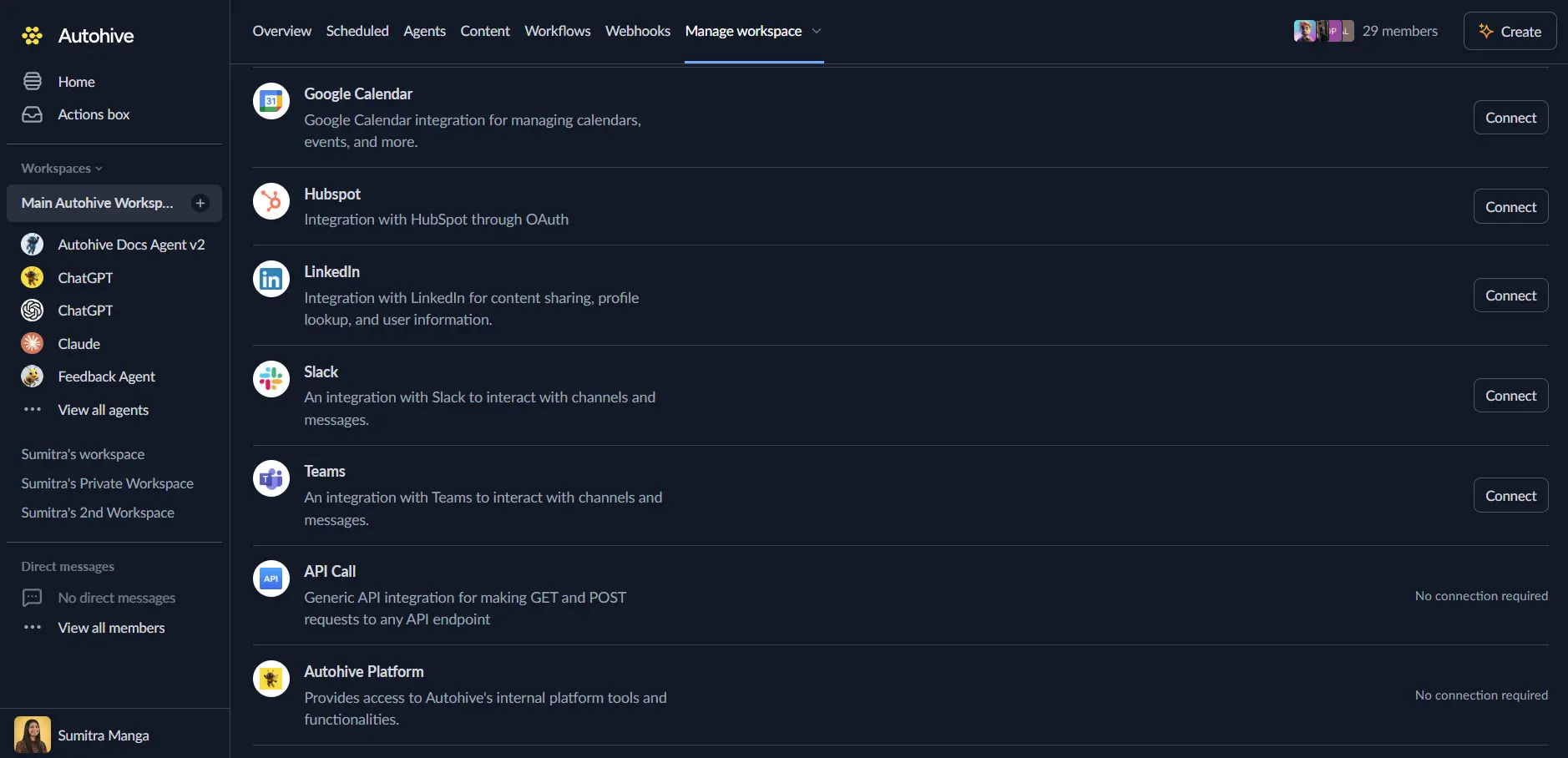
Log in to Autohive and navigate to Your user profile > Connections or Your workspace -> Integrations
Locate the Facebook Integration card and click Connect to workspace
Select your Facebook account and click Choose Account
Select the Facebook Pages you want to connect to Autohive
Review and approve permissions. Autohive requests access to:
- Access your Page and App insights
- Create and manage content on your Page
- Manage comments on your Page
- Read content posted on the Page
- Manage accounts, settings and webhooks for a Page
- Read user content on your Page
- Show a list of the Pages you manage
Confirm authentication - you’ll be redirected to Autohive with “Connected” status displayed
Use the integration
You can now use the integration with your agents, workflows and scheduled tasks!
- Follow our Create your first agent guide on how to create an agent.
- In the ‘Agent settings’, scroll down to the ‘Add Integrations and Agents’ section, click ‘Add integrations and agents’, and select Facebook. You can choose what individual Facebook capabilities to turn on and off.
- Once the settings have been selected, begin prompting the agent with the workflow you’d like to achieve with Autohive and Facebook!
Available capabilities
Page Discovery
- List Pages: Discover all Facebook Pages you can manage, including page names, IDs, categories, and follower counts
Post Management
- Get Posts: Retrieve posts from a Facebook Page—fetch a single post by ID or list recent posts with engagement metrics
- Create Post: Publish content including text, photos, videos, and links with optional scheduling (10 min to 75 days in advance)
- Delete Post: Permanently remove a post from a Facebook Page
Comment Moderation
- Get Comments: Retrieve comments on posts with author info, timestamps, and reply counts
- Manage Comment: Reply to comments, hide/unhide them, or like/unlike as your Page
- Delete Comment: Permanently remove a comment from a post
Analytics
- Get Insights: Access page-level metrics (follows, unfollows, engagements, video views) or post-level metrics (engaged users, clicks, reactions)
Key features
Content Publishing
- Create text, photo, video, and link posts to your Facebook Pages
- Schedule posts for future publishing (10 minutes to 75 days ahead)
- Full control over post lifecycle with retrieval and deletion capabilities
- Access engagement metrics including likes, comments, and shares
Comment Management
- Monitor and read all comments on your Page posts
- Reply to comments as your Page for community engagement
- Hide inappropriate comments without deleting them
- Like comments to acknowledge positive engagement
- Delete comments that violate community standards
Page Analytics
- Track page-level metrics: follows, unfollows, post engagements
- Monitor video and media view counts
- Access post-level insights: engaged users, clicks, reaction breakdowns
- Choose time periods: daily, weekly, or 28-day aggregations
Multi-Page Support
- Manage multiple Facebook Pages from a single integration
- Discover all Pages you have admin access to
- Switch between Pages for different operations
- Centralized management through Autohive workflows
Common use cases
Social Media Management
- Schedule a week’s worth of content in advance
- Monitor and respond to comments across multiple Pages
- Track engagement metrics to optimize posting times
- Maintain consistent posting cadence through automation
Customer Engagement
- Automatically reply to common questions on your posts
- Hide spam or inappropriate comments while preserving the conversation
- Like positive comments to acknowledge community members
- Monitor comment sentiment and engagement patterns
Content Automation
- Generate and schedule posts based on external triggers
- Auto-publish content from other platforms or content systems
- Create recurring post schedules for regular updates
- Integrate with content calendars and approval workflows
Analytics and Reporting
- Track page growth with follows and unfollows metrics
- Monitor post performance across your content calendar
- Generate engagement reports for stakeholders
- Identify top-performing content types and topics
Disconnect the integration
Important: Disconnecting stops data synchronization but preserves existing data in both systems.
- Navigate to Your user profile -> Connections or Your workspace -> Integrations
- Find the Facebook Integration
- Click Disconnect and confirm
Data Impact: Existing data remains unchanged in both systems, but sync stops and Autohive loses Facebook API access.