Coda
The Autohive Coda integration connects your Coda workspace with Autohive’s automation platform, enabling:
- Document lifecycle automation - Create, update, and manage Coda docs programmatically with full metadata control
- Page management - Build hierarchical page structures with content creation in HTML and Markdown formats
- Table and database operations - Execute complete CRUD operations on tables with advanced querying and filtering
- Row-level data management - Insert, update, delete, and query rows with upsert capabilities and bulk operations
- Structured data automation - Manage columns, schemas, and relationships for organized data workflows
- Template-based document creation - Clone existing docs and pages for consistent document provisioning
- Cross-document workflows - Coordinate data and content across multiple Coda docs for comprehensive automation
- Real-time content generation - Create pages with dynamic HTML/Markdown content for automated documentation
Install the integration
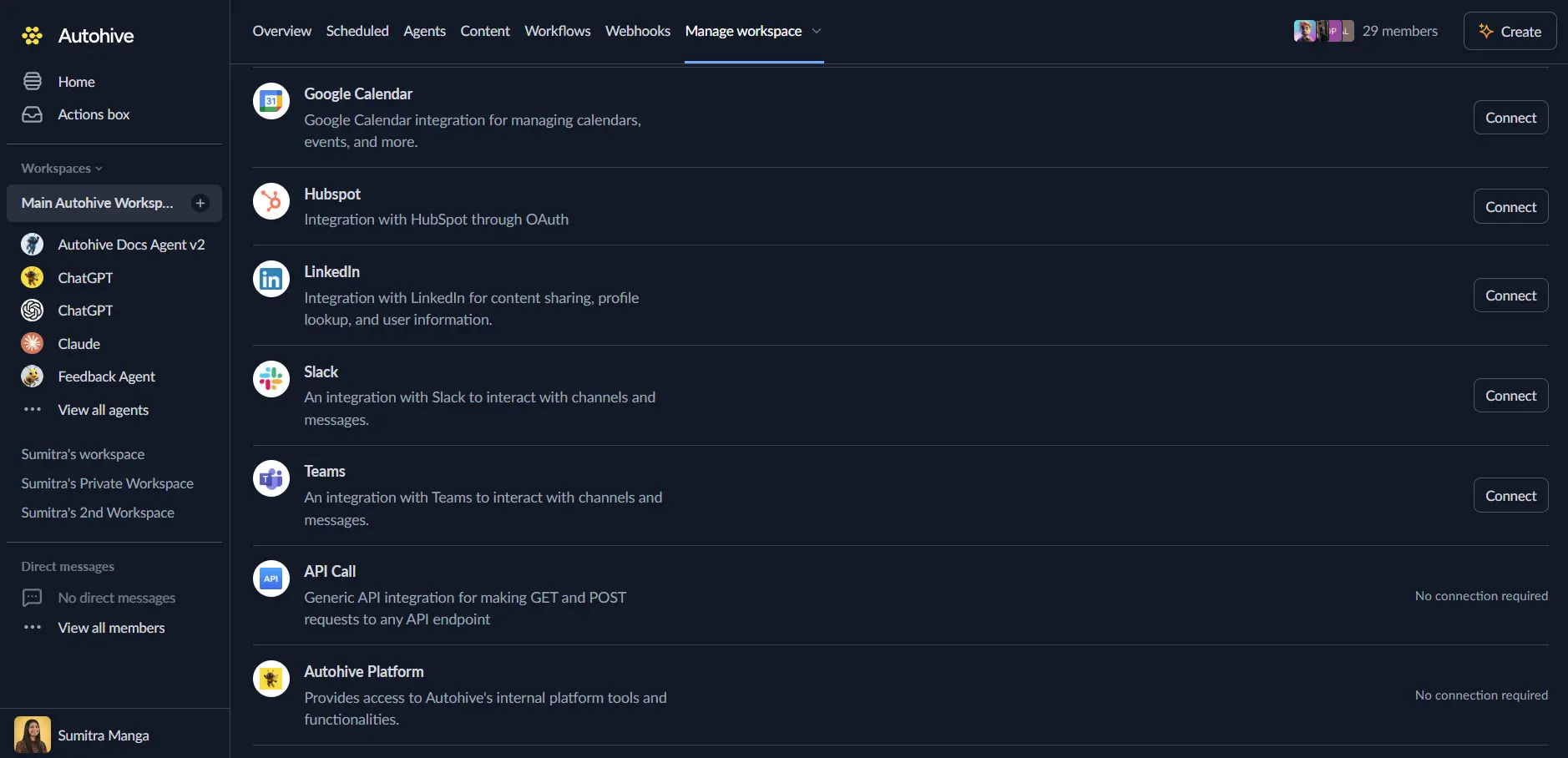
Log in to Autohive and navigate to Your user profile > Connections or Your workspace -> Manage workspace
Locate the Coda Integration card and click Connect
Generate your Coda API token:
- Visit Coda Account Settings
- Navigate to API Settings section
- Click Generate API Token
- Choose scope (Unrestricted or specific doc/table access)
- Copy your API token securely
Enter your API token in Autohive and click Connect
Confirm installation - you’ll see “Connected” status displayed
Use the integration
You can now use the integration with your agents, workflows and scheduled tasks!
- Follow our Create your first agent guide on how to create an agent.
- In the ‘Agent settings’, scroll down to the ‘Add capabilities’ section and turn on the Coda capability. You can choose what individual Coda capabilities to turn on and off.
- Once the settings have been selected, begin prompting the agent of the workflow you’d like to achieve with Autohive and Coda!
Available capabilities
Document Management
- List Docs: Browse all accessible Coda docs in reverse chronological order with filtering by ownership, publishing status, starred status, and search queries
- Get Doc: Retrieve complete document metadata including name, owner, workspace, creation date, and update timestamps
- Create Doc: Generate new Coda docs with optional template cloning, timezone configuration, and folder organization
- Update Doc: Modify document titles and icons with Doc Maker permissions for branding and organization
- Delete Doc: Permanently remove documents with queued asynchronous processing (HTTP 202 accepted)
Page Operations
- List Pages: Discover all pages in a doc with hierarchical structure information and parent-child relationships
- Get Page: Access detailed page metadata including title, subtitle, icon, cover image, authors, and hierarchy information
- Create Page: Build new pages with HTML or Markdown content, optional icons, cover images, and parent page assignments for subpage creation
- Update Page: Modify page metadata including name, subtitle, icon, and cover image (Note: cannot update content after creation)
- Delete Page: Remove pages from docs using IDs for reliable deletion (names discouraged due to uniqueness issues)
Table and View Management
- List Tables: Browse all tables and views in a doc with filtering by table types (base tables vs views) and pagination support
- Get Table: Retrieve comprehensive table metadata including row count, column definitions, display column, and sort configurations
- Table Type Filtering: Distinguish between base tables (editable) and views (filtered/sorted table representations)
Column Schema Operations
- List Columns: Discover table structure with column IDs, names, types, formulas, and default values for data modeling
- Get Column: Access detailed column metadata including value types (text, number, date, person, etc.), calculated column formulas, and format settings
- Visible Column Filtering: Retrieve only UI-visible columns for user-facing data operations
Row Data Management
- List Rows: Query rows with advanced filtering using column value criteria, sorting options, and pagination for large datasets
- Get Row: Retrieve specific row data with all cell values, creation timestamps, and update history
- Upsert Rows: Insert new rows or update existing rows based on key column matching with bulk operation support (base tables only)
- Update Row: Modify specific cells in existing rows with partial update capabilities and automatic value parsing
- Delete Row: Remove individual rows with queued asynchronous processing
- Delete Rows: Bulk delete multiple rows by ID array for efficient data cleanup operations
Advanced Data Features
- Query Filtering: Filter rows using column-value syntax (
"ColumnName:\"value\""or"c-columnId:123") for precise data retrieval - Sorting Controls: Sort by natural order, creation date, modification date, or specific column IDs with ascending/descending options
- Value Formats: Access data in simple, simpleWithArrays, or rich formats for different presentation needs
- Column Name Resolution: Use human-readable column names instead of IDs in responses for improved readability
- Key Column Upsert: Define key columns for intelligent insert-or-update logic with automatic duplicate handling
Key features
Hierarchical Document Structure
- Navigate and manage four-level hierarchy: Doc → Page → Table → Row
- Create complex document structures with parent-child page relationships
- Organize content through subpages and nested table structures
- Maintain document organization with folder and workspace management
Content Creation with HTML and Markdown
- Create pages with rich HTML content including headers, paragraphs, lists, and formatting
- Support for Markdown-based content creation with automatic conversion
- Generate dynamic documentation and reports with programmatic content insertion
- Template-based page creation for consistent formatting and structure
Advanced Data Operations
- Full CRUD capabilities across tables with comprehensive filtering and sorting
- Upsert operations for intelligent data synchronization without duplicates
- Bulk operations for efficient data management and import/export workflows
- Support for complex data types including relationships, formulas, and rich media
Asynchronous Processing Architecture
- HTTP 202 (Accepted) responses for create, update, and delete operations
- Queue-based processing for reliable operation completion
- Non-blocking workflows for high-performance automation
- Typical processing time within seconds for most operations
Flexible Authentication and Permissions
- Custom API token authentication with scope control
- Unrestricted or doc/table-specific access configuration
- Doc Maker role requirements for structural changes (docs, pages, titles)
- Read/write permissions aligned with Coda workspace settings
Comprehensive Pagination Support
- Token-based pagination for consistent results across all list operations
- Configurable page sizes (1-500 items, default 100)
- Next page token system for efficient navigation through large datasets
- Support for forward pagination without performance degradation
Common use cases
Automated Document Provisioning
- Create project documentation from templates with consistent structure and branding
- Generate client-facing documents with dynamic content from CRM or project data
- Provision team workspaces with standardized pages, tables, and starter content
- Clone successful doc structures for new projects or departments
Data Integration and Synchronization
- Sync external data sources to Coda tables with upsert operations for duplicate prevention
- Export Coda table data to other systems for reporting and analytics
- Bidirectional sync between Coda and business systems (CRM, ERP, databases)
- Maintain data consistency across multiple Coda docs and external platforms
Content Generation and Documentation
- Generate meeting notes, reports, and summaries with dynamic content insertion
- Create knowledge base articles from structured data and templates
- Automate changelog and release notes generation from project management systems
- Build automated documentation systems with consistent formatting and structure
Team Collaboration Workflows
- Create team dashboards with real-time data from multiple sources
- Generate project status pages with automated updates from task management systems
- Build custom approval workflows using table data and page comments
- Coordinate cross-functional processes through structured Coda tables
Business Process Automation
- Implement inventory management systems with Coda tables and automated updates
- Build customer onboarding workflows with document and data creation
- Create automated reporting systems pulling data from various business applications
- Manage service requests and ticketing through Coda table workflows
Data Collection and Forms
- Populate Coda tables from external form submissions and surveys
- Create automated data validation and enrichment workflows
- Build custom dashboards aggregating data from multiple collection sources
- Generate analytics and insights from collected data in Coda tables
Disconnect the integration
Important: Disconnecting stops data synchronization but preserves existing data in both systems.
- Navigate to Your user profile -> Connections or Your workspace -> Manage workspace
- Find the Coda Integration
- Click Disconnect and confirm
Data Impact: Existing data remains unchanged in both systems, but sync stops and Autohive loses Coda API access.
Uninstall the app
From Coda: Go to your Coda account settings > API Settings > Find and revoke your API token
Security Note: Revoking the API token immediately terminates all Autohive access to your Coda workspace.