On this page
Circle
The Autohive Circle integration connects your Circle community with Autohive’s automation platform, enabling:
- Post Management - Create, update, and search for posts with full markdown support.
- Member Management - Find members, manage their tags, and control their access to space groups and access groups.
- Community Structure - Explore spaces, events, and community settings.
- Engagement - Monitor and participate in discussions through comments.
Install the integration
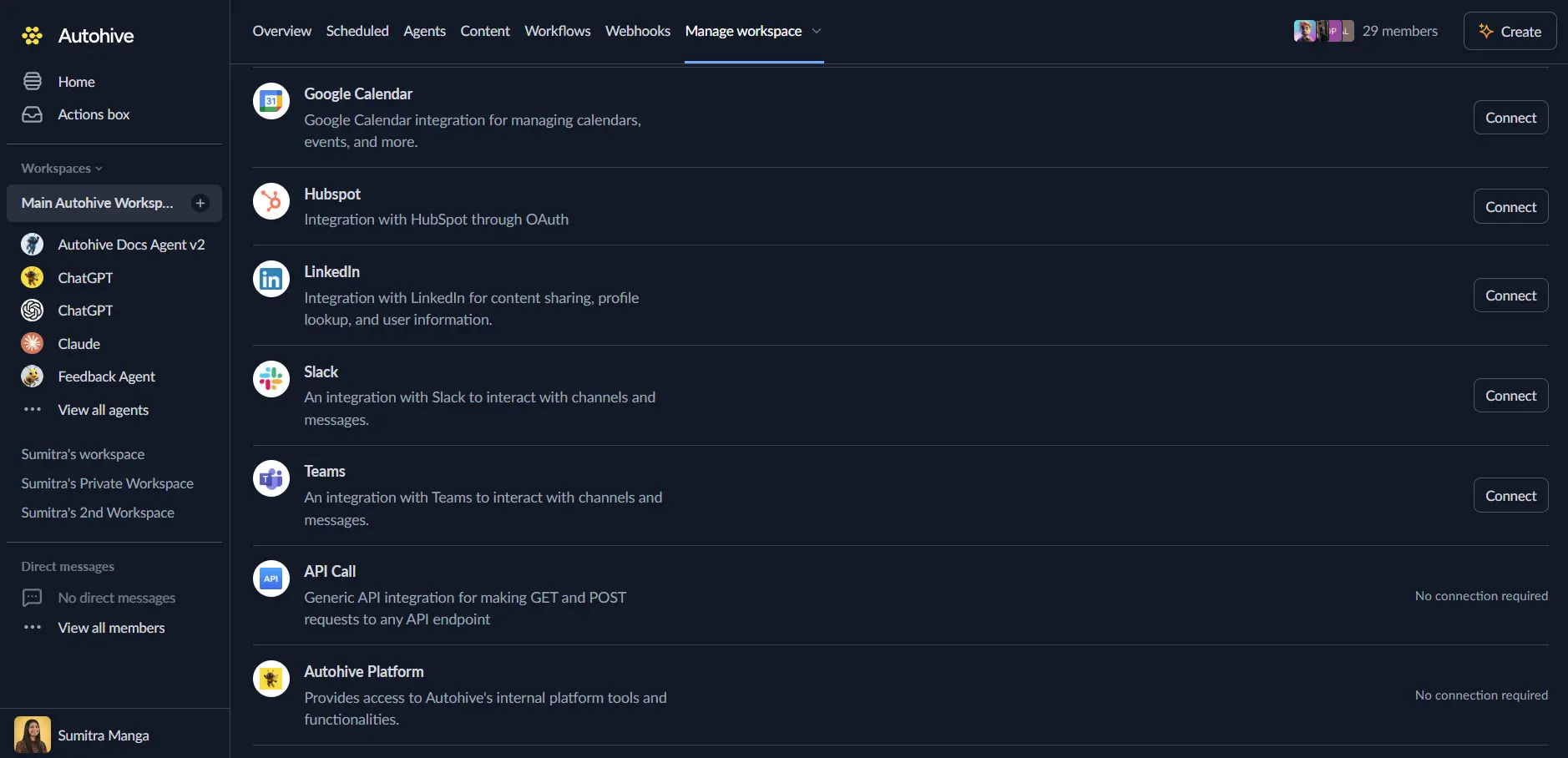
Log in to Autohive and navigate to Your user profile > Connections or Your workspace -> Manage workspace
Locate the Circle Integration card and click Connect
Enter your Circle API Token
- Log in to your Circle community with admin privileges.
- Navigate to Settings → Developers → Tokens.
- Create a new API token or copy an existing one.
- Paste the token into the API Token field in Autohive.
Confirm installation - you’ll be redirected to Autohive with “Connected” status displayed.
Use the integration
You can now use the integration with your agents, workflows and scheduled tasks!
- Follow our Create your first agent guide on how to create an agent.
- In the ‘Agent settings’, scroll down to the ‘Add capabilities’ section and turn on the Circle capability. You can choose what individual Circle capabilities to turn on and off.
- Once the settings have been selected, begin prompting the agent of the workflow you’d like to achieve with Autohive and Circle!
Responses could contain inaccurate responses. Especially if your agents Model configuration - Temperature is set high.
Available capabilities
Post Management
- Search Posts: Find posts by keyword, tag, space, or status (published, draft, archived).
- Get Post: Retrieve detailed information about a specific post.
- Create Post: Publish new posts with rich markdown content. Supports pinning and comment settings.
- Update Post: Modify existing posts, including title, body, status, and pinned state.
Member Management
- List & Search Members: Find community members by email or list them with status filtering.
- Get Member: View detailed member profiles and activity.
- Manage Tags: Add or remove tags for specific members.
- Manage Group Access: Add or remove members from Space Groups and Access Groups to control what they can see and do.
Community & Events
- Search Spaces: Discover spaces (post, event, chat, course) within your community.
- Search Events: Find upcoming or past events by name or space.
- Get Details: Retrieve specific information about spaces and events.
- Get Community Info: Access general community settings and statistics.
- List Groups & Tags: List all available tags, space groups, and access groups in the community.
Engagement
- Create Comment: Add comments to posts to engage with your community.
- Get Comments: Retrieve conversation history for specific posts.
Disconnect the integration
Important: Disconnecting stops data synchronization but preserves existing data in both systems.
- Navigate to Your user profile -> Connections or Your workspace -> Manage workspace
- Find the Circle Integration
- Click Disconnect and confirm
Data Impact: Existing data remains unchanged in both systems, but sync stops and Autohive loses Circle API access.