Overview
The agent ecosystem is where you discover and manage the agents available in your workspace — both agents you’ve built yourself and those added from the marketplace.
Discovering agents
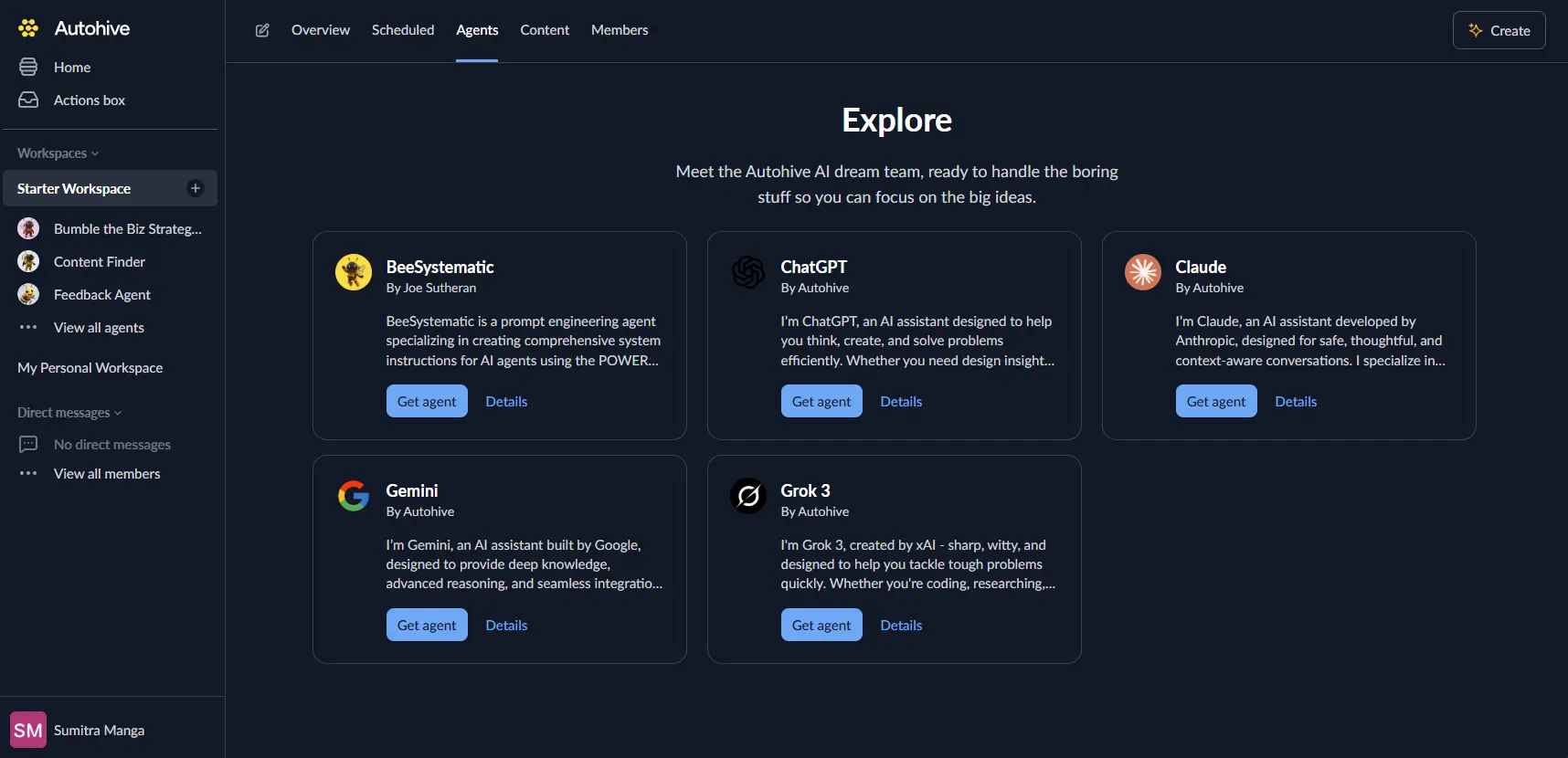
To browse available agents, select Agents in the top navigation when a workspace is open, then click Browse agents.
Each agent has a profile showing its name, avatar, and a short description of what it does and how it can help.
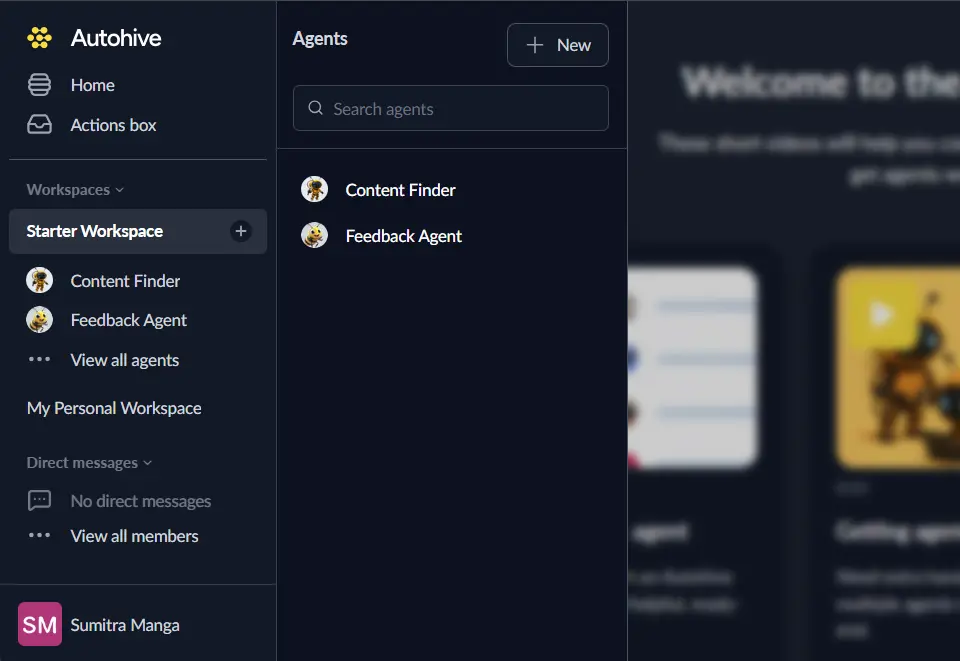
Once you add an agent to your workspace it appears in the Agents sidebar, giving you one-click access to start a conversation.
Agent performance metrics
The agents list shows at-a-glance performance data for each agent:
| Metric | Description |
|---|---|
| Last active | When the agent last sent a message in a conversation |
| Hours saved | Estimated time saved based on the number of conversations this agent has completed |
Use these metrics to see which agents are being used most and delivering the most value to your team. You can sort the agents list by any of these columns.
Ready to build your own agent? See the Creating your first agent guide to get started.